
On the left-hand side of the screen in the navigation bar, select Group(s) under Member. This will take you here:
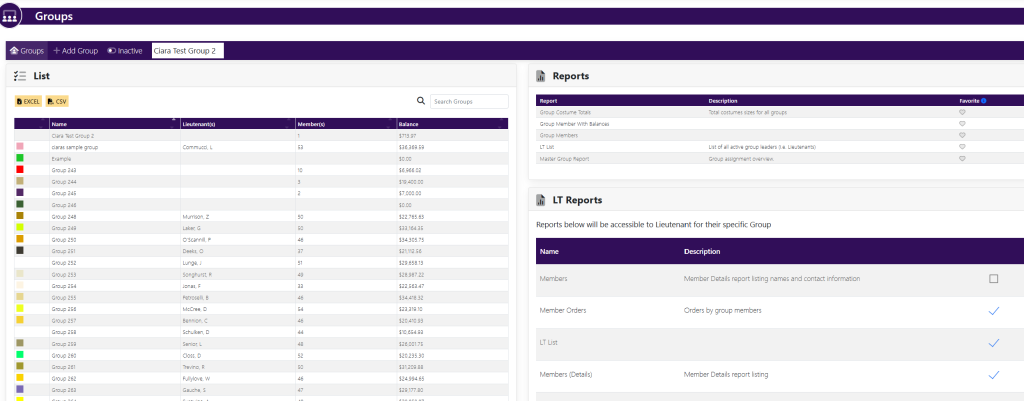
Click on the desired group. This will take you here:
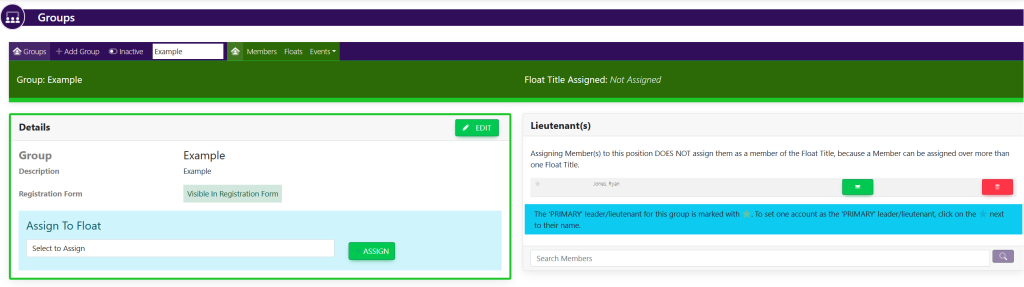
In the horizontal navigation bar, click on Members. This will take you here:
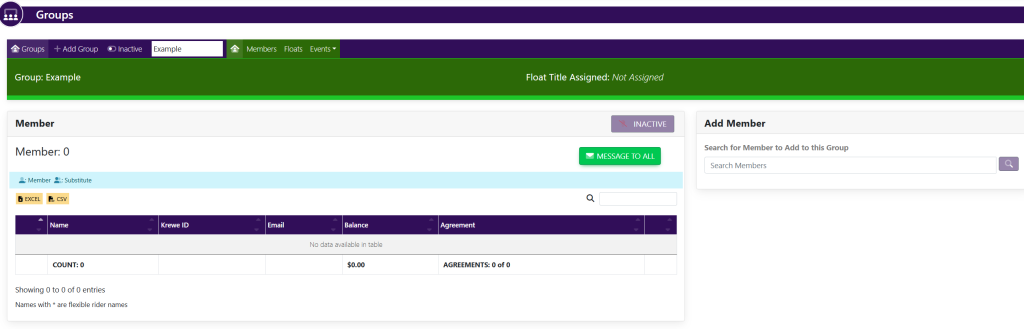
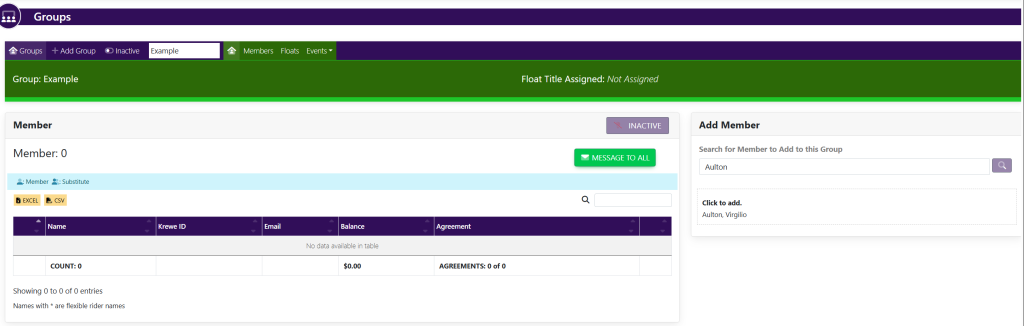
Locate the box titled Add Member. In the line item titled Search Members, type in the name of the member that you wish to add to the group. It will look like this:
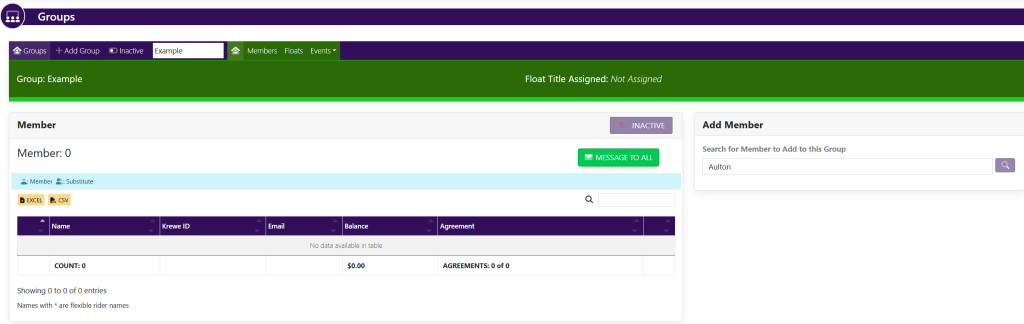
A list of potential matches will appear below the search bar shown here:
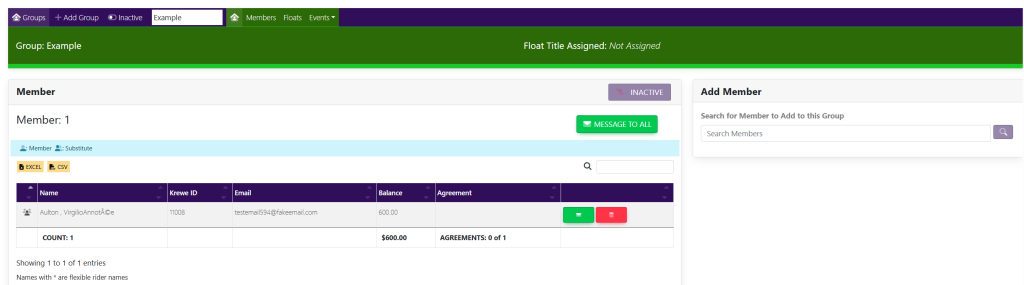
From the list, click the name of the desired member to add them to the group. The name will now appear within the box titled Member shown here:
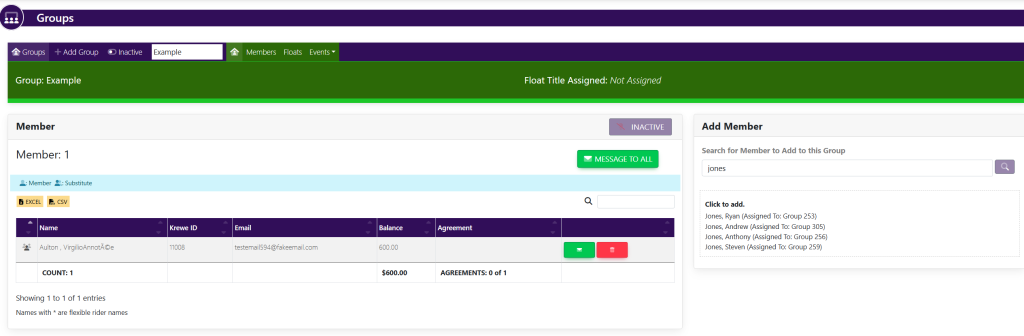
These are samples.