
To get to the Payment Screen, select Payments under ACCOUNTS in the left bar. It will take you to this screen:
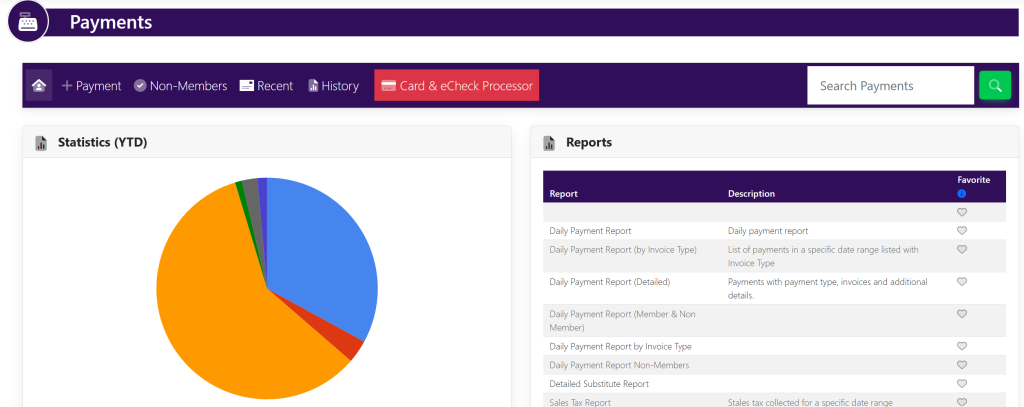
In the Search Payments search bar at the top right of your screen, you can type in the invoice number and select the magnifying glass.
Alternatively, you can leave the invoice number blank and press the magnifying glass to see all of the invoices processed.
You will see this pop up screen:
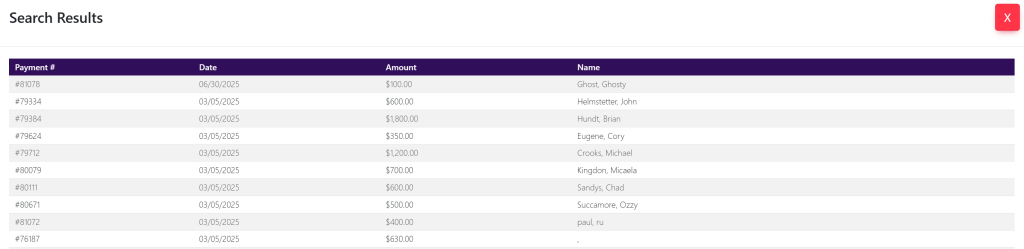
Click on the desired invoice. A pop up will appear that looks like this:
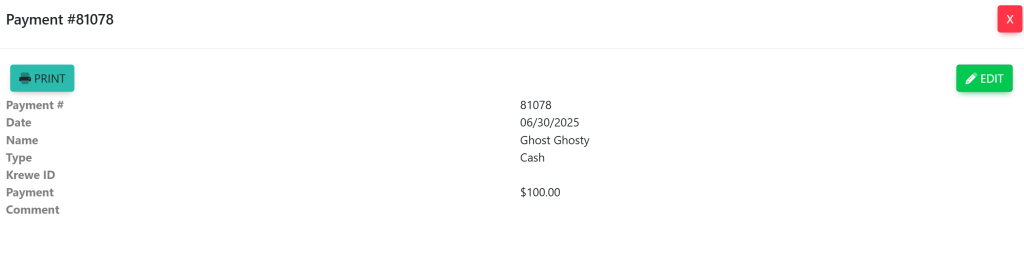
These are sample names.