
Within the left side navigation bar, locate the Member modules and select Group(s). This will take you here:
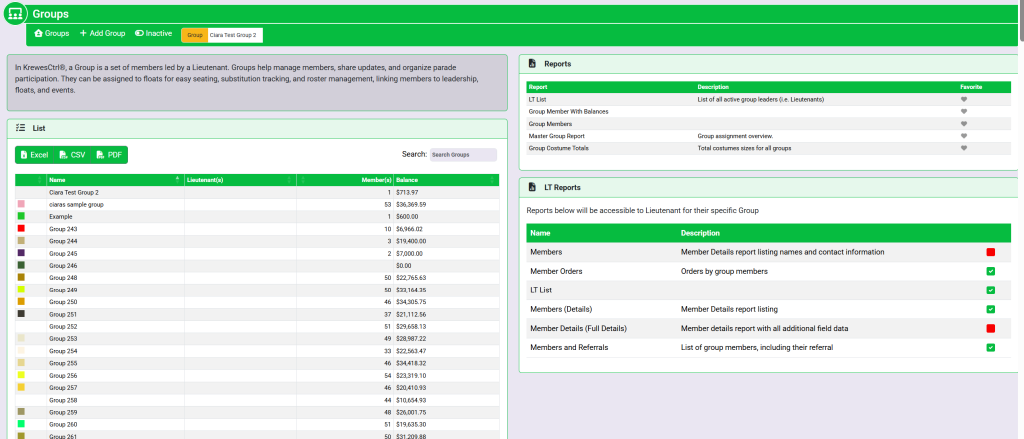
From the list of groups select the desired group. This will take you here:
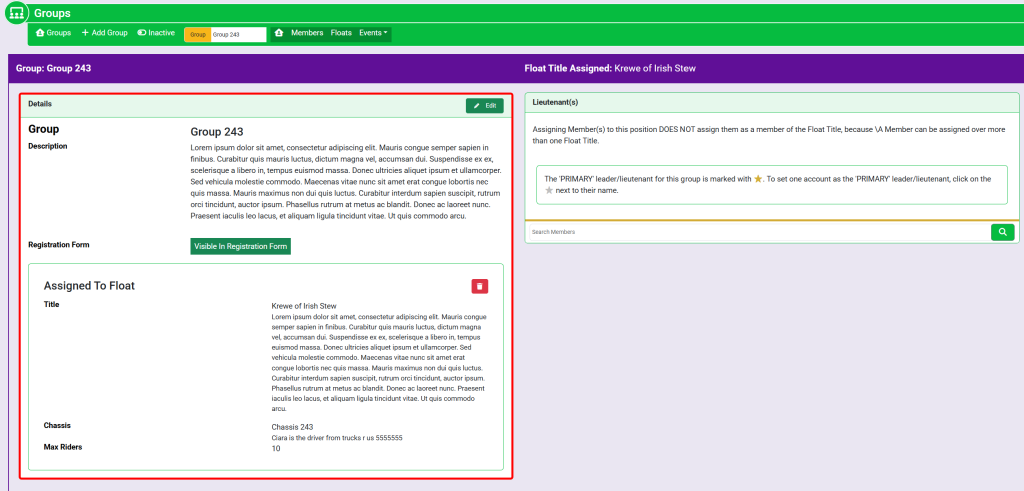
In the horizontal navigation bar, select Floats. This will take you here:
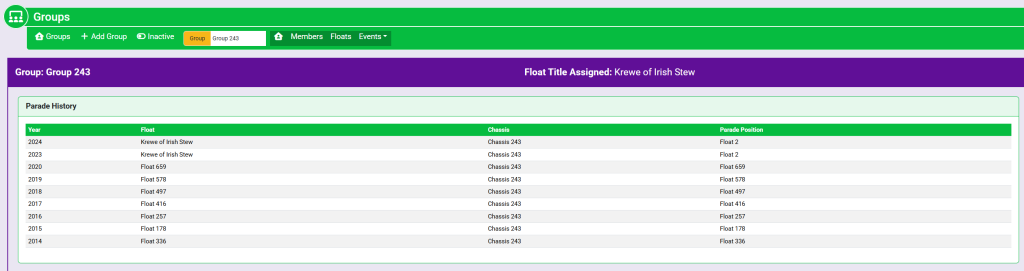
Click on the name of the desired float. A pop-up window will appear that looks like this:
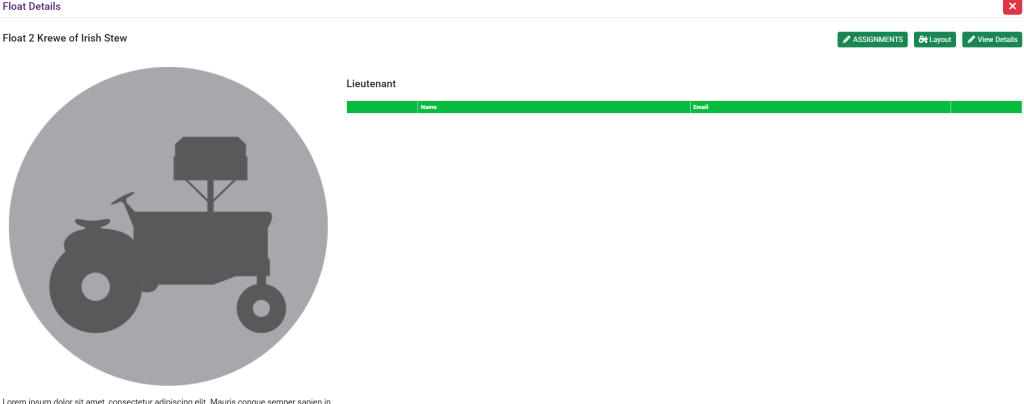
In the top right of the pop-up window, click the Assignments button. This will take you here:
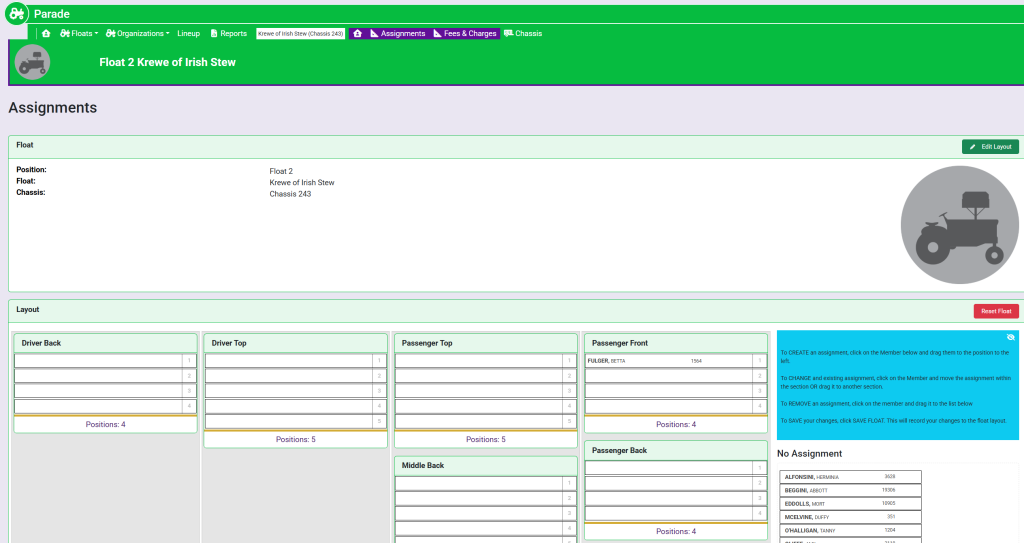
To the right of the Layout box, drag the member names from the right-hand column to the desired location on the layout.
Once you have assigned members to their positions, there will be an option to save the float assignments that appears at the top of the right hand column. It will look like this:
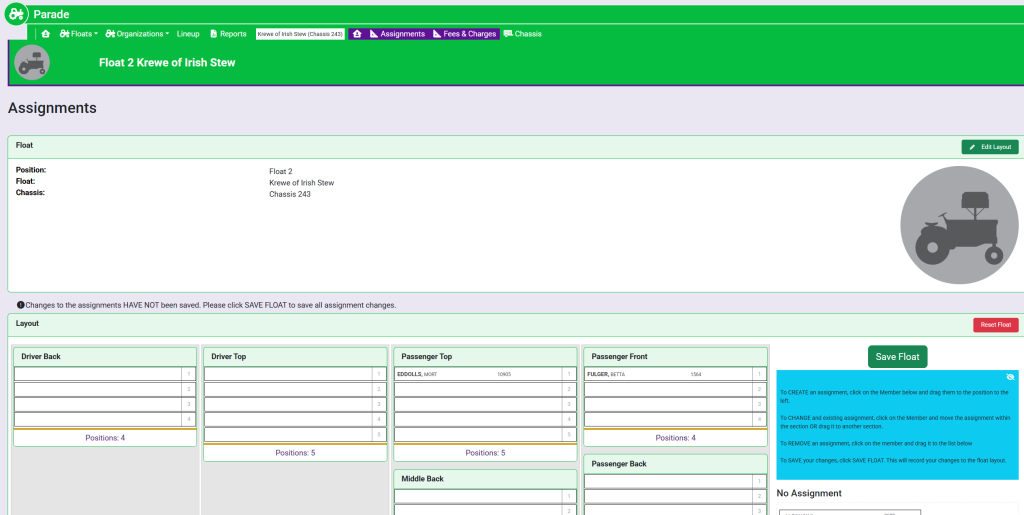
Once you save your information, the member will have an assignment listed within their account.
These are sample names.