
Go to Settings and Configurations at the top right of the screen. This will take you to this page:
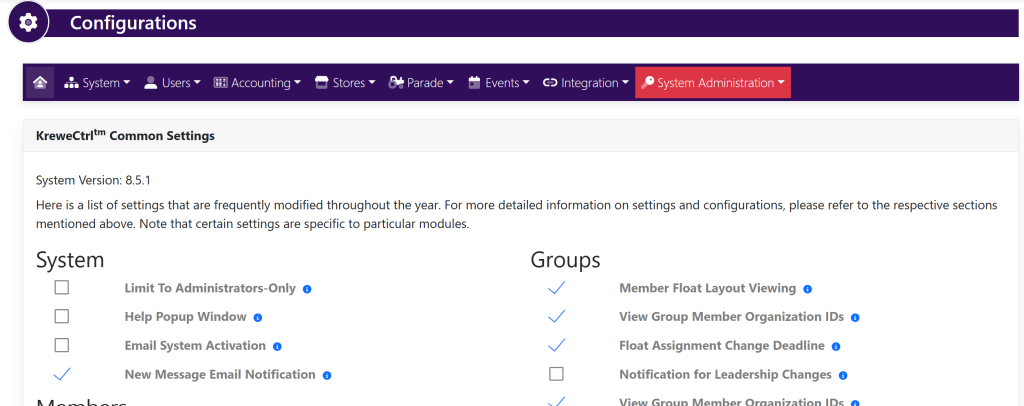
Within the horizontal navigation bar, select Users. Then, Costume Sizes. This will take you to this page:

Within the Costume Sizes box, select the yellow button titled +Add.
A new line item will appear that looks like this:
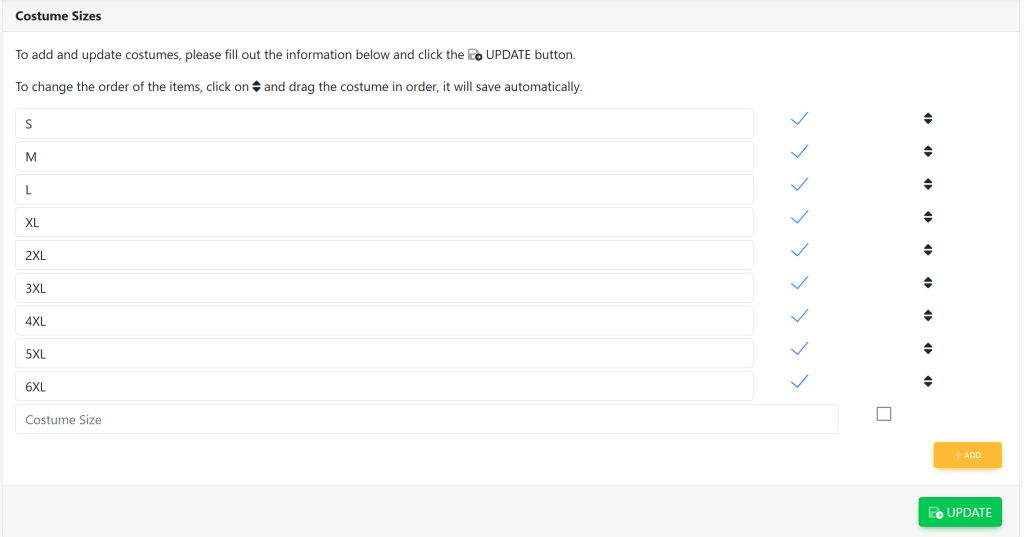
Type in the new costume size. Then, select the green button at the bottom right of the screen titled Update.