
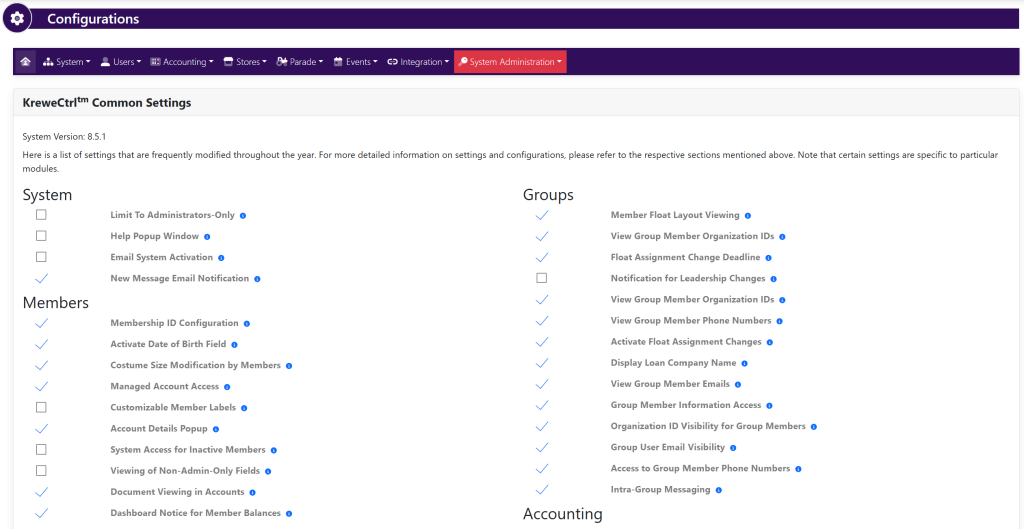
Go to Settings and Configurations at the top right of your screen. This will take you here:
In the horizontal navigation bar, select Users. Then, select Configurations. This will take you here:
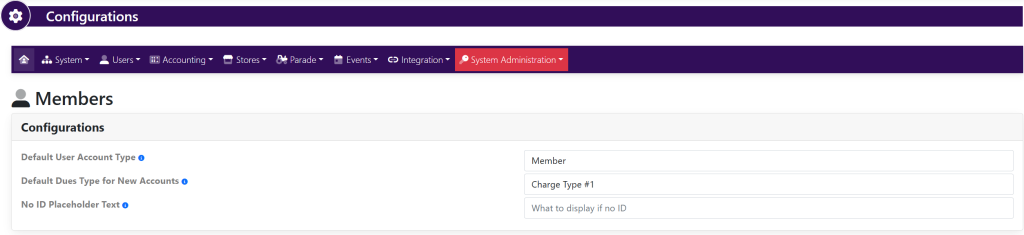
Fill in the following information:
- Default User Account Type
- Default Dues Type for New Accounta
- No ID Placeholder Text
When making changes, select the green button titled Update within each pop up that appears.