
Go to Settings and Configurations at the top right of your screen. This will take you to this page:
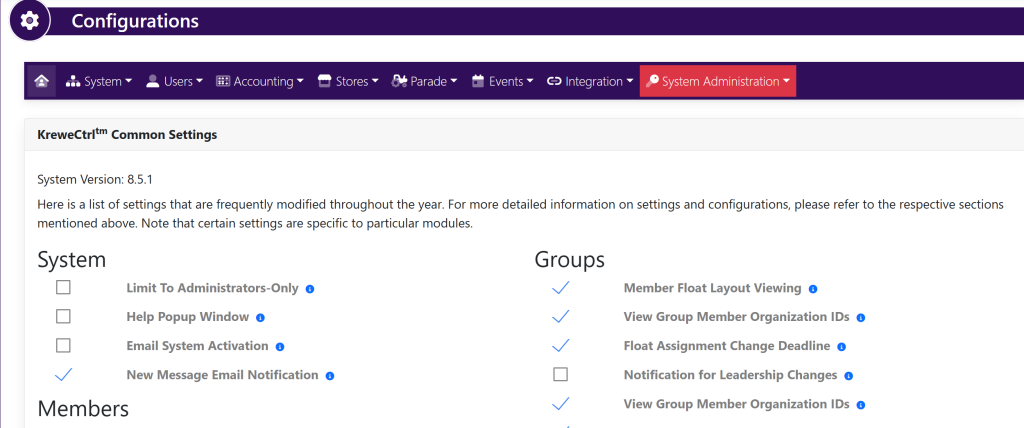
Within the horizontal navigation bar, select Accounting, then select Credit Cards. This will take you to this page:
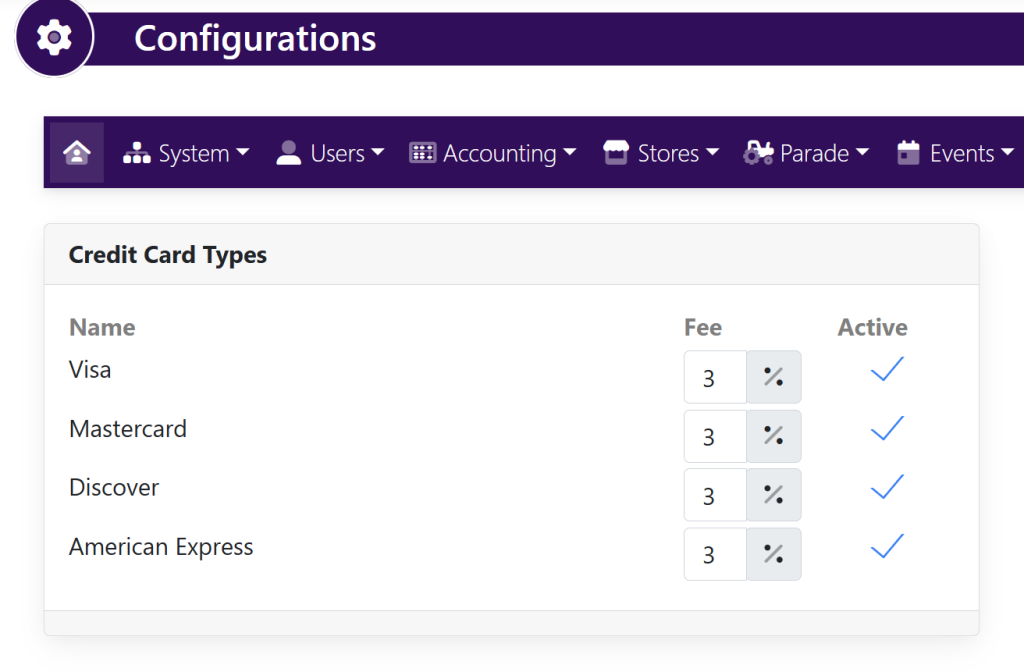
Change the fee to the right of the name.
To make a credit card type inactive, click the checkmark to the right of the percentage
When done, click the Update button in the bottom right-hand corner to save changes.