Go to Settings and Configurations at the top right of your screen. This will take you here:
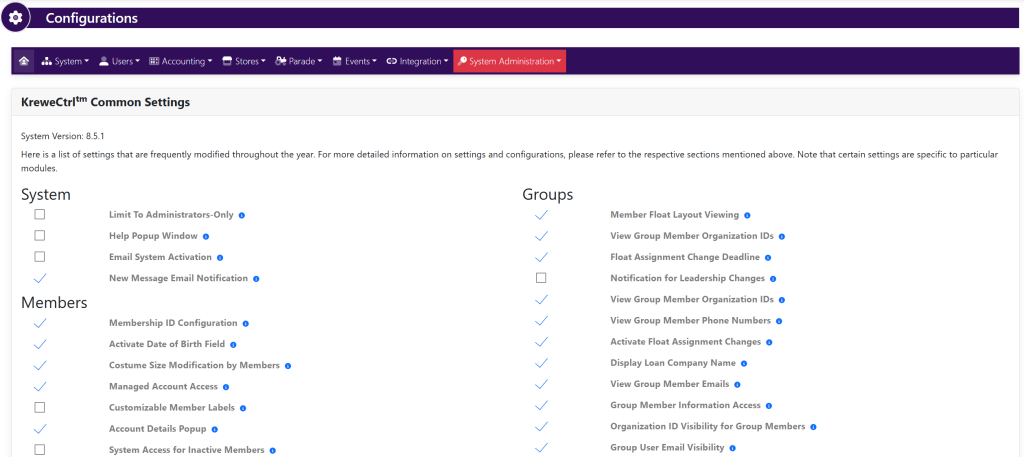
In the horizontal navigation bar, select Users. Then, select Settings. This will take you here:
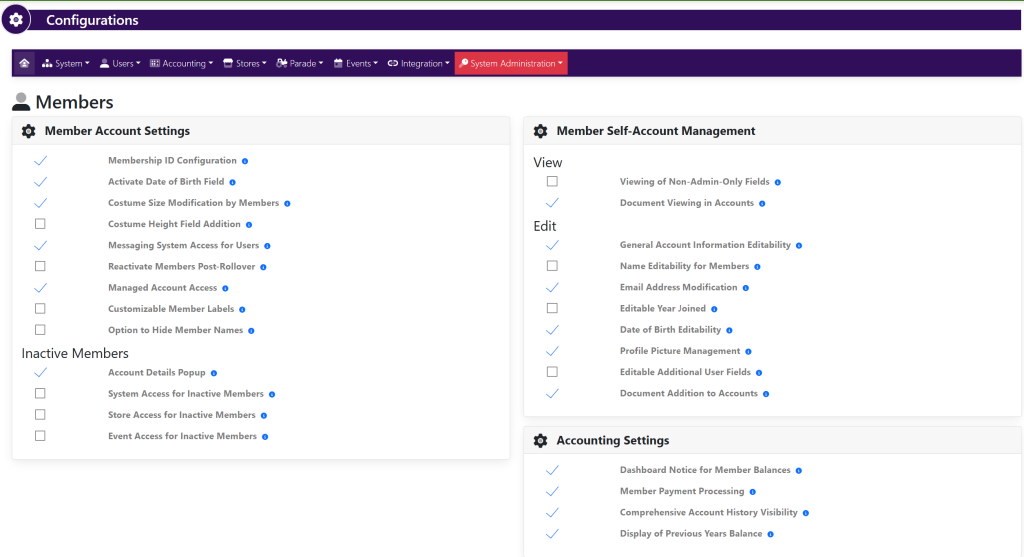
To make a setting active/inactive, click the checkmark to the left of the desired setting to turn it on/off.
After making a change, click Confirm Change from the pop-up window that appears. It will look like this: