
Search for a members’ name by following the directions here.
A list will appear with the result. Click on the name that you are searching for. It will look like this:

A new pop-up window will appear with the member information. It will look like this:
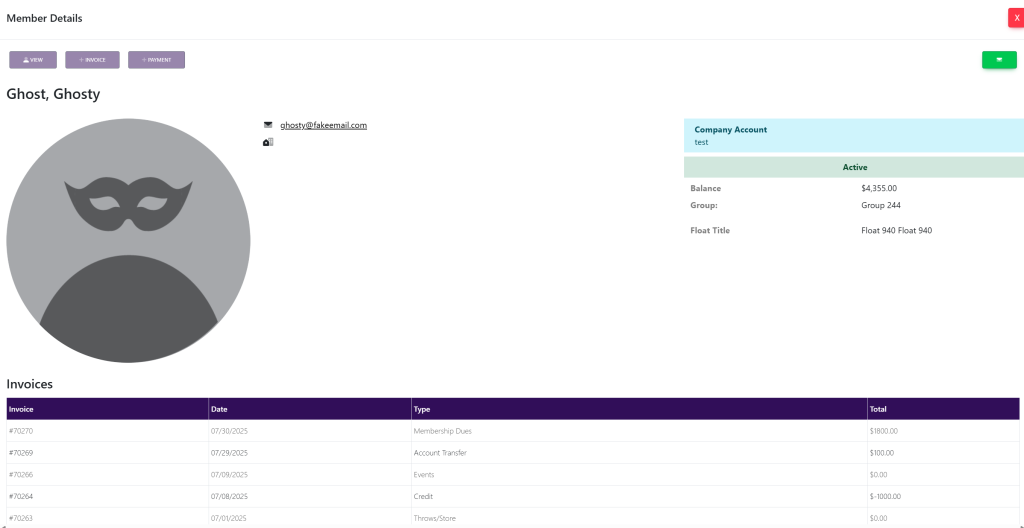
Click the View button at the top left of the pop-up box. This will take you here:
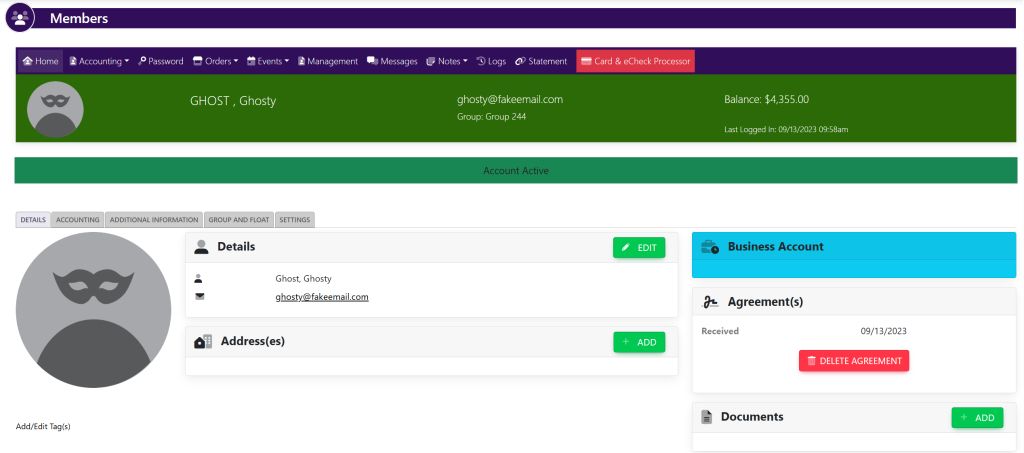
In the horizontal navigation bar, select Notes. This will provide a drop down menu. Select Add. A pop up will appear that looks like this:

Using the text box in the pop-up window, type in the contents of your note.
When you have finished entering the note, select the green Save button at the bottom of the screen.
These are samples.