
Within the left side navigation bar under News & Calendar, select Pages. This will take you here:

In the box titled Pages, click the name of the page you wish to edit. This will bring you here:
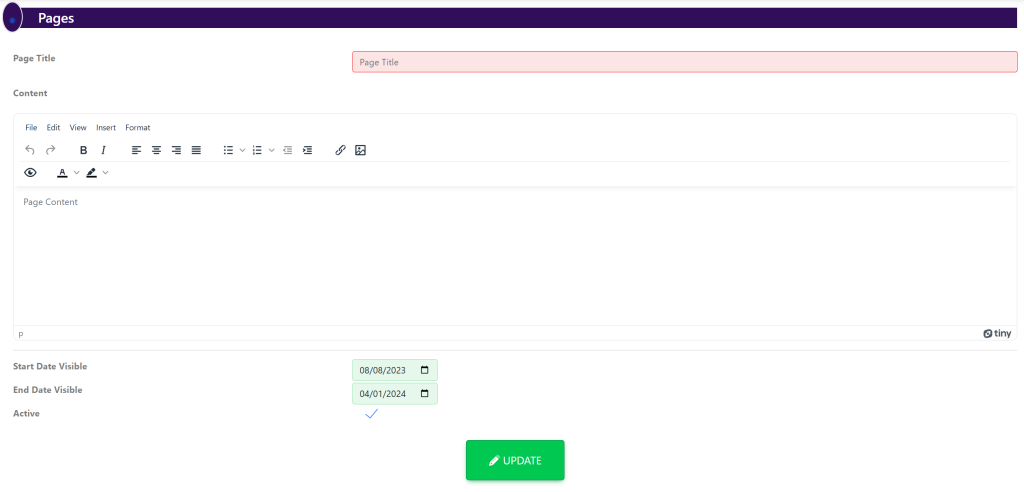
Fill out the following information:
- Page Title
- Page Verbiage
- Start Date
- End Date
To finalize the edits you’ve made, click the green button titled Update.