
On the left-hand side of the screen in the navigation bar under Events, select Parade. This will take you here:
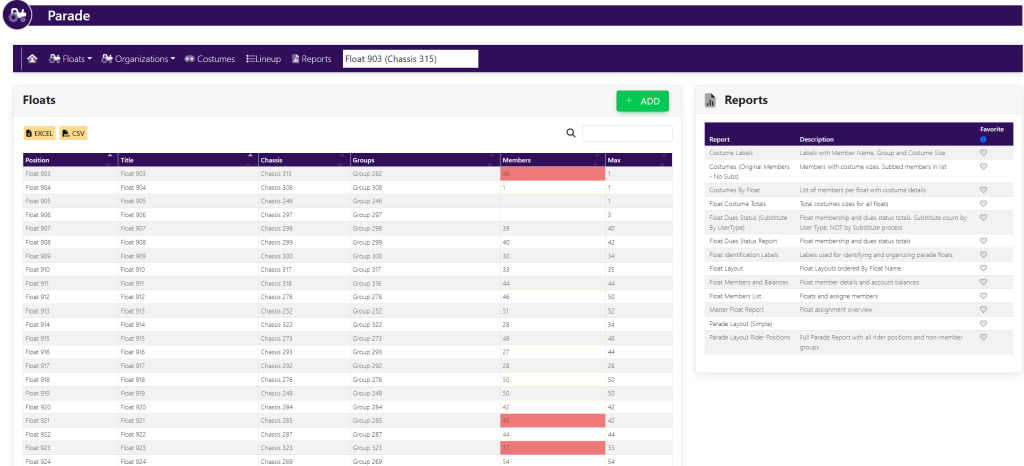
In the horizontal navigation bar, select Organizations. Then, select +Organization from the drop down. A pop-up will appear that looks like this:
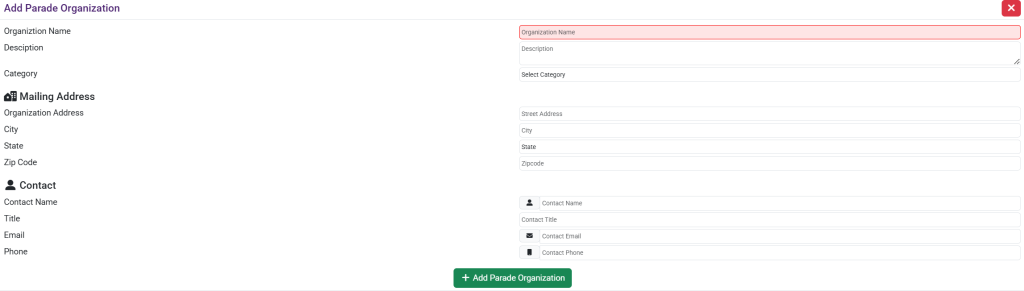
Under Parade Organization, fill out the following information:
- Organization Name.
- Organization Description.
- Company.
Under Mailing Address, fill out the following information:
- Organization Address.
- City.
- State.
- Zip Code.
Under Contact, fill out the following information:
- Contact Name.
- Title.
- Email.
- Phone.
Your pop up will look like this:
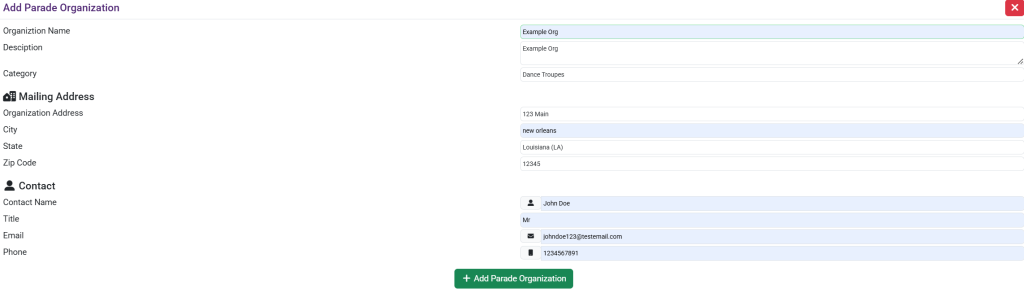
Once finished, select the green button titled +Add Parade Organization.
The organization will now appear within the Parading Groups and Organizations box. See here:

These are samples.