
Within the left side navigation bar under Events, select Chassis. This will take you here:
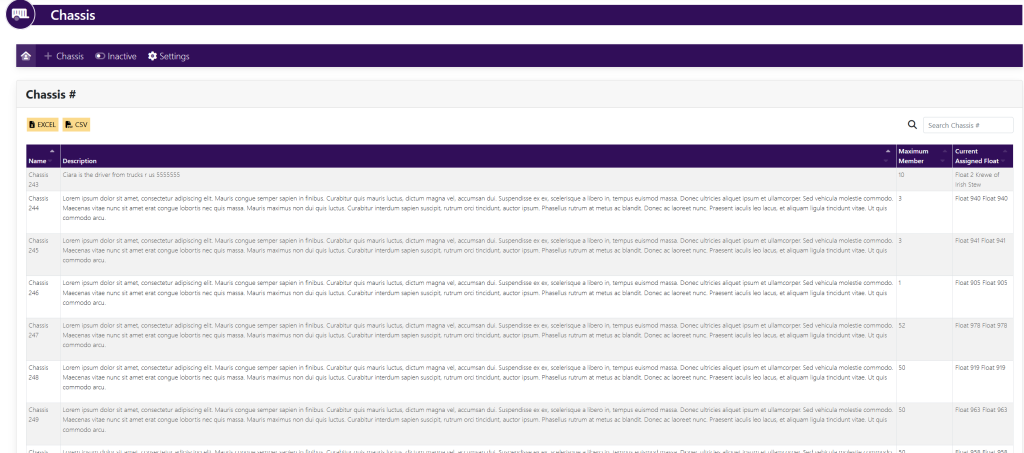
Within the box titled Chassis, scroll to find the name of the chassis you wish to edit. Then, click on the name of the chassis.
This will bring you to a new window that looks like this:
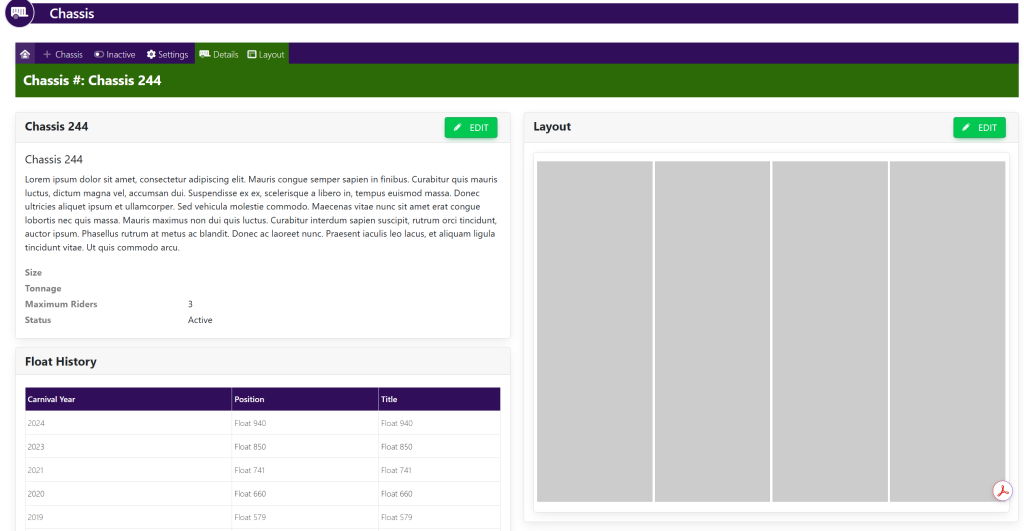
Within the Chassis [Name] box, select the green button titled Edit. Your page will now look like this:
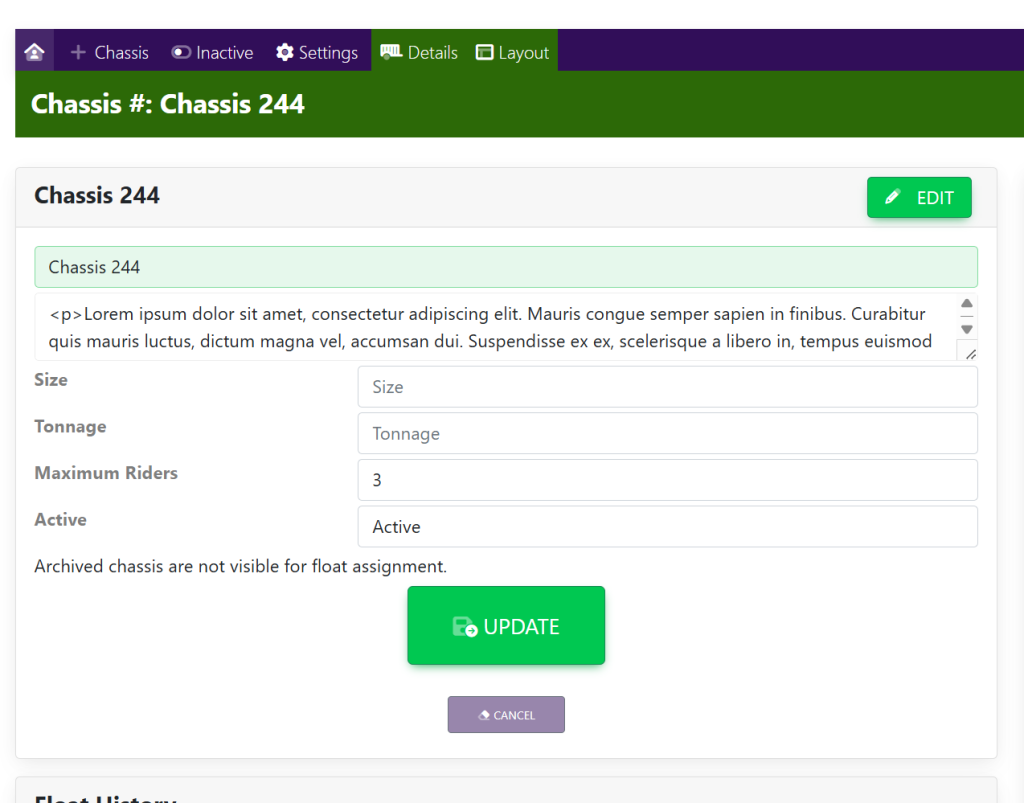
Fill in the following information:
- Chassis Name
- Chassis Description
- Size of the chassis.
- Tonnage (the weight of the chassis)
- Maximum Riders (maximum number of riders the chassis can hold)
- Active/Inactive
When you have finished editing the chassis details, select the green button at the bottom of the box titled Update.
These are sample names.