
Go to Settings and Configurations at the top right of your screen. This will take you here:
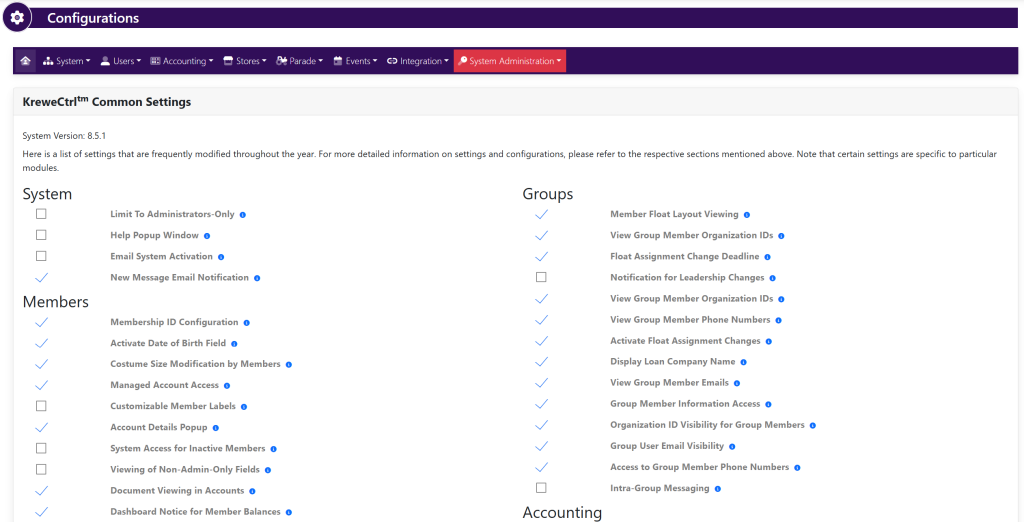
In the horizontal navigation bar, select Users. Then, select Registration Settings from the drop down. This will take you here:
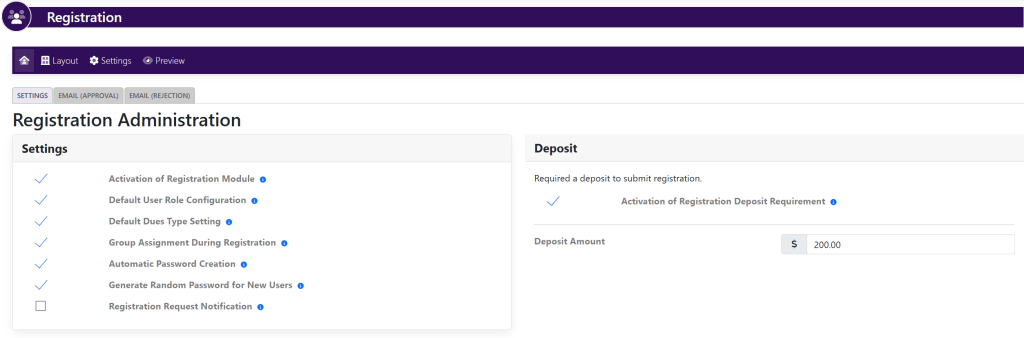
Within the Settings box, locate the settings titled Activation of Registration Module.
Deselect the checkmark to the left of the setting. This will turn the registration off.