
On the left navigation under EVENTS, click on PARADE. You will be taken to this page:
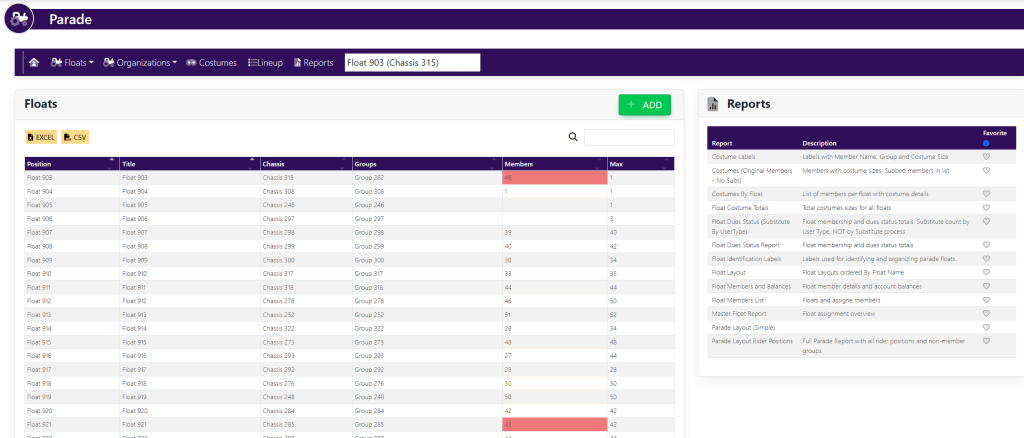
In the list of Groups, click on the Float name. A pop-up will appear that looks like this:
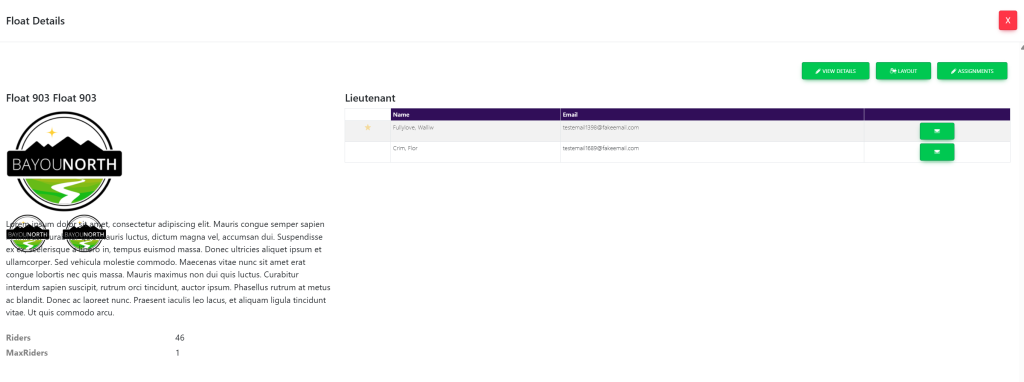
Select ASSIGNMENTS in the top right-hand of the screen. This will take you here:
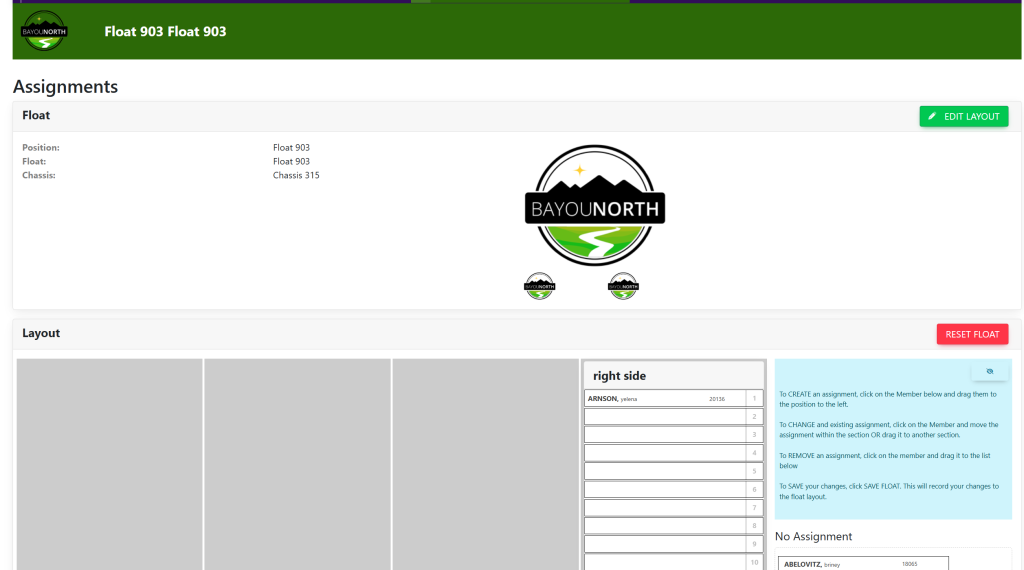
Click the red button titled RESET FLOAT in the top right of the Layout box.
This will clear all assignments presently on the float.