
Click on Settings and Configurations. This will take you here:
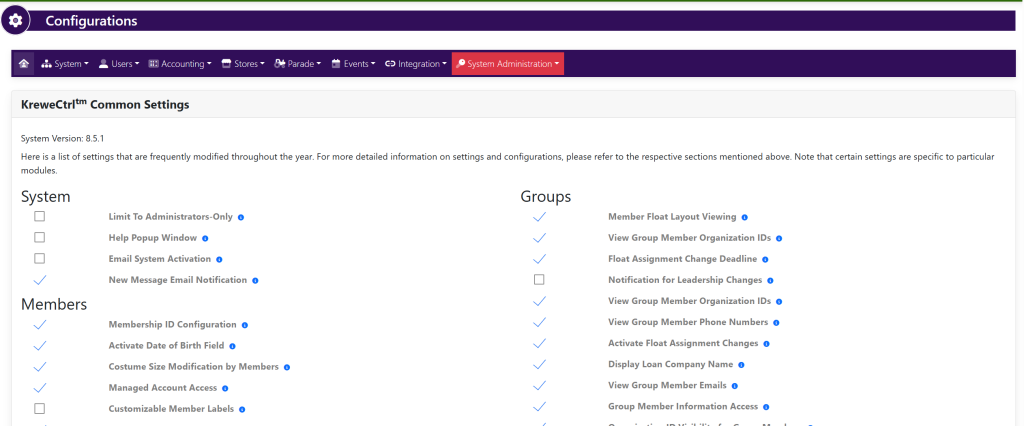
Within the horizontal navigation bar, select Users. Then, select Settings from the drop down. This will take you here:
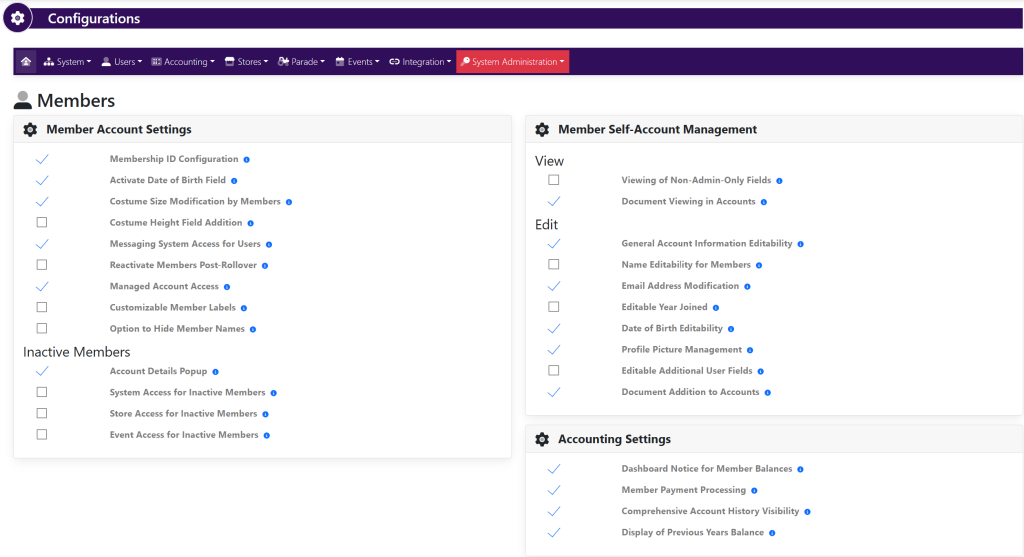
Within the Member Self-Account Management box, locate the setting Profile Picture Management.
To the left of the setting, select/deselect the checkmark to turn this setting on or off.