
Go to Settings and Configurations. This will take you here:
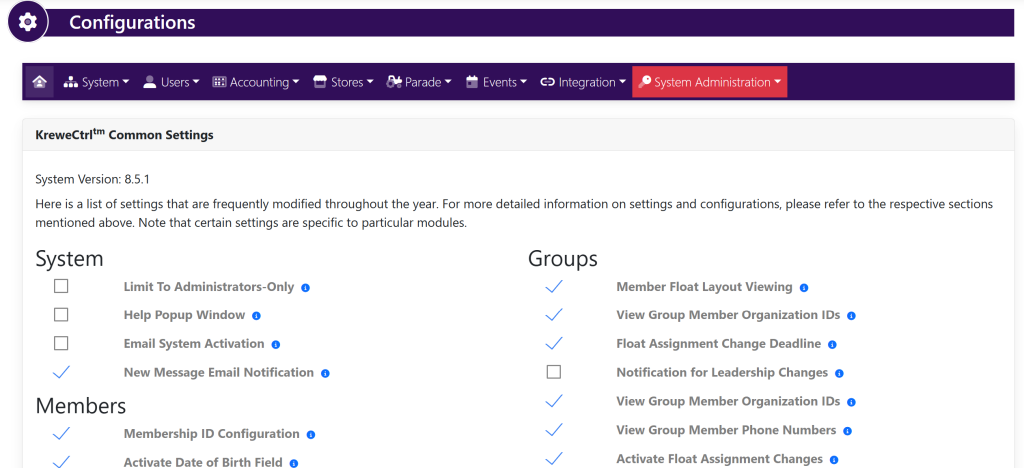
Within the horizontal navigation toolbar at the top of the screen, go to Accounting and a drop down will appear. Select Statement Layout. This will take you here:
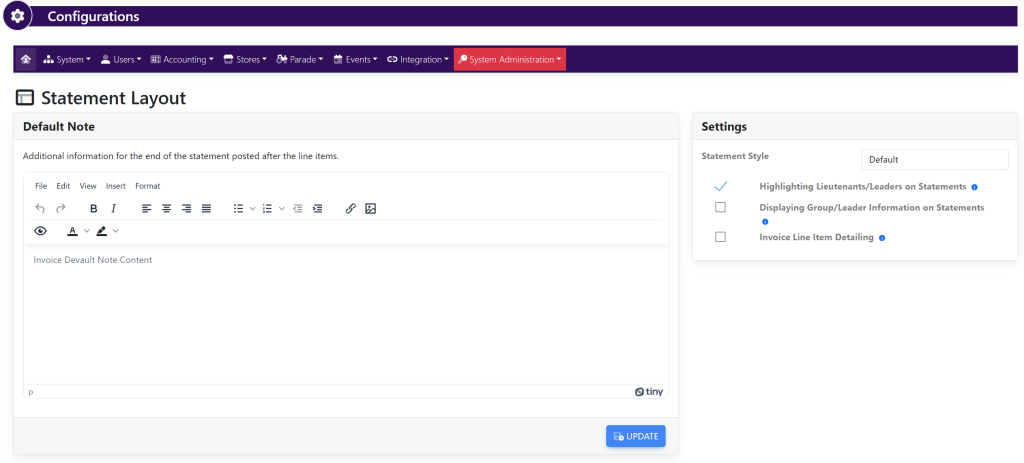
There are two sections that can be updated.
Within the Default Note box, type in your desired verbiage. This content will appear at the end of the statement posted after the line items of invoices and payments
Within the Settings box, select/deselect your desired settings.
- Highlighting Lieutenants/Leaders on Statements
- Displaying Group/Leader Information on Statements
- Invoice Line Item Detailing