
To add fields to the Registration Form, new Additional Fields must to be created and set to view in the form. Follow the directions here to add the additional fields.
Go to Settings and Configurations at the top right of your page. This takes you to a page that looks like this:
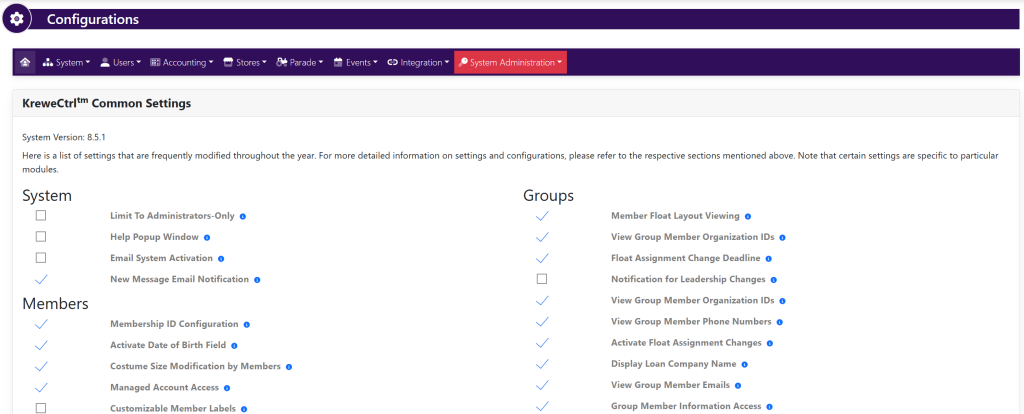
Within horizontal navigation bar, select Users. Then, select Additional Fields. This will take you here:
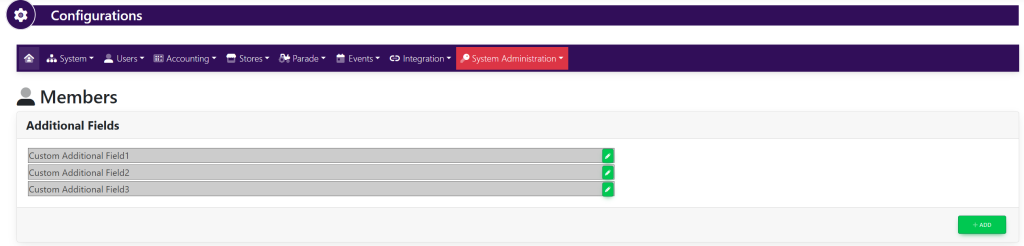
- In this screen, you can either
- In both Add and Edit Additional Fields, the setting Show In Registration Form sets the field to be visible in the Registration Form
- Active: Field is visible in registration form
- Inactive: Field is NOT visible in registration form