
Within the left side bar under EVENTS, select Parade. This will take you here:
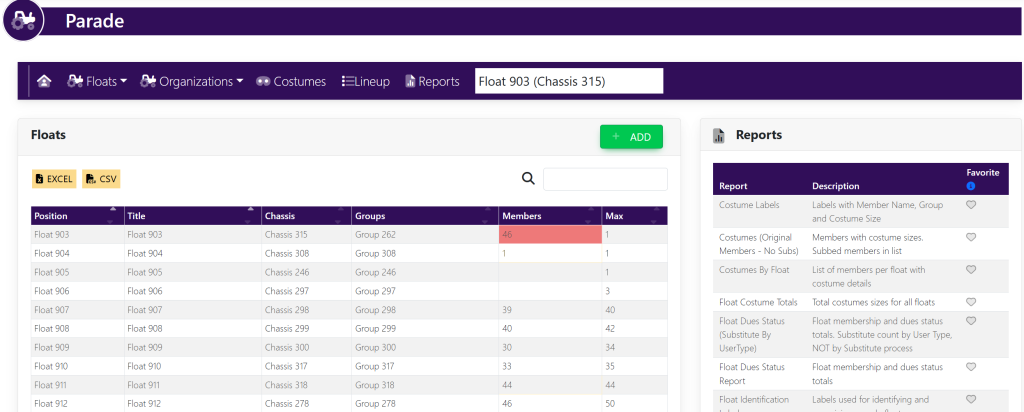
In the Reports box, select Parade Layout Rider Positions. A new page will appear that looks like this:
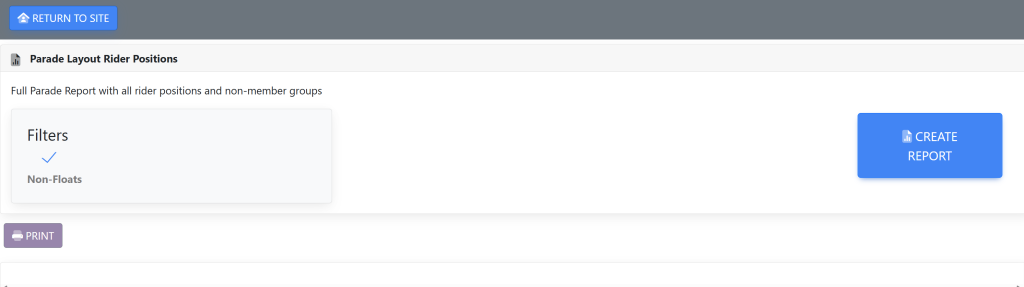
Select your filters:
- Turn Non-Floats On/Off by using the checkmark to the right
Then, select the blue button titled Create Report.
If you would like to download your report, select EXCEL at the top left of the results. This will export your report into an excel spreadsheet on your local computer.
Alternatively
You can access this report by selecting the Reports button at the top right hand of your screen near the Settings and Configurations. A page will appear that looks like this:
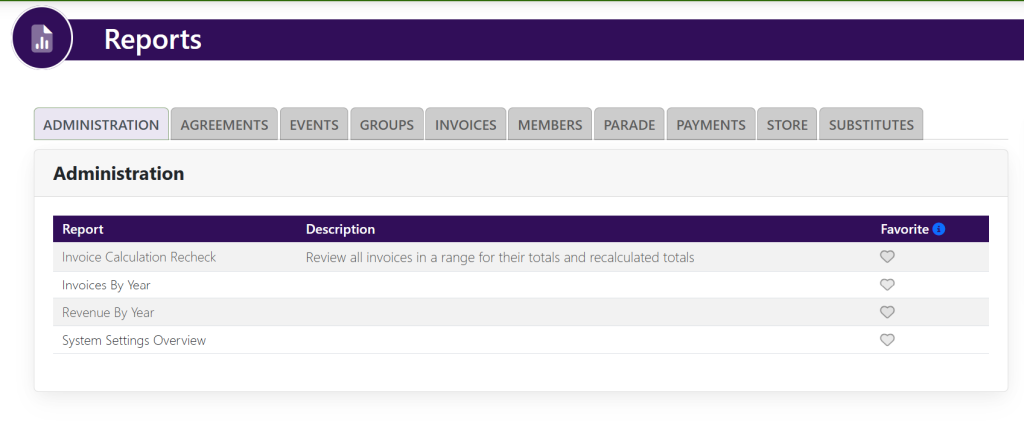
Select the tab titled Parade. The page will then look like this:
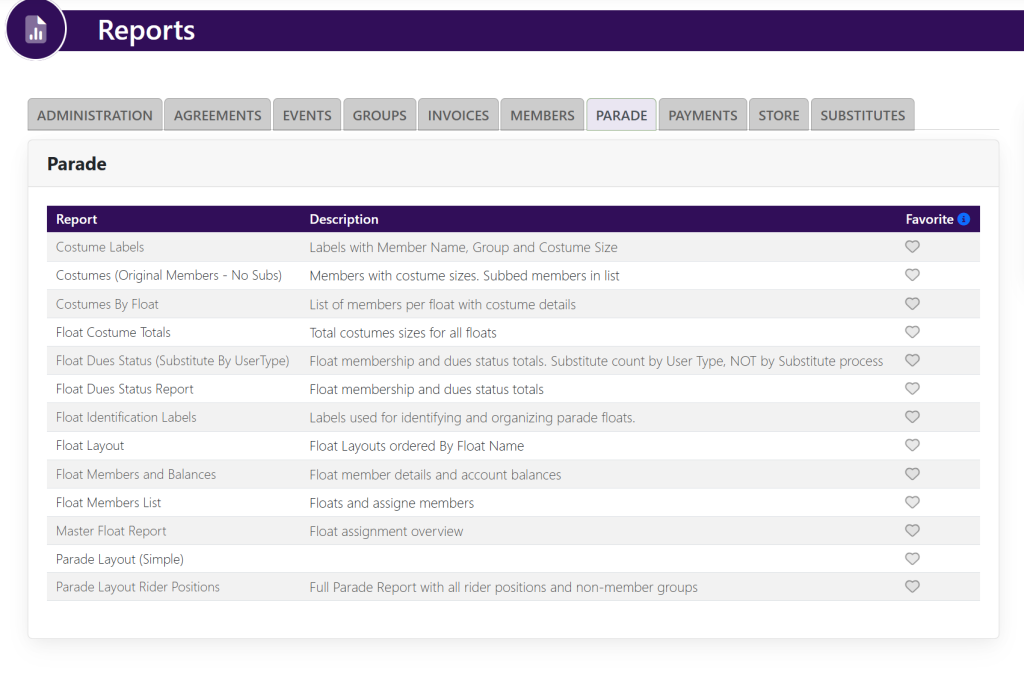
You will then locate the report titled Parade Layout Rider Positions and follow the directions mentioned above.