Go into the members account.
In the horizontal bar, select Accounting. A drop down will appear. Select Statement. A pop-up will appear that looks like this:
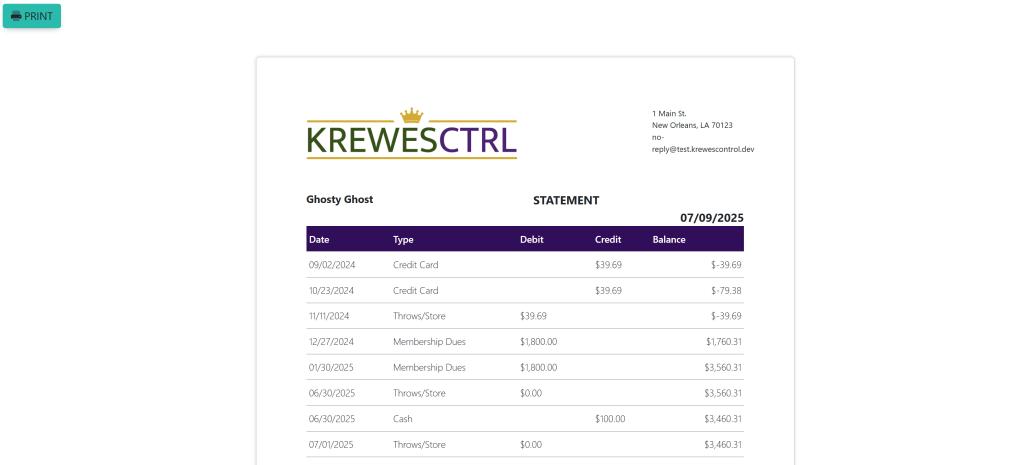
Select the blue button titled Print at the top left of the pop up.
These are samples.

Go into the members account.
In the horizontal bar, select Accounting. A drop down will appear. Select Statement. A pop-up will appear that looks like this:
Select the blue button titled Print at the top left of the pop up.
These are samples.