
Go to User Details of selected member (see: Search Members).
Select View Details on the top left of the pop-up box. This will take you here:
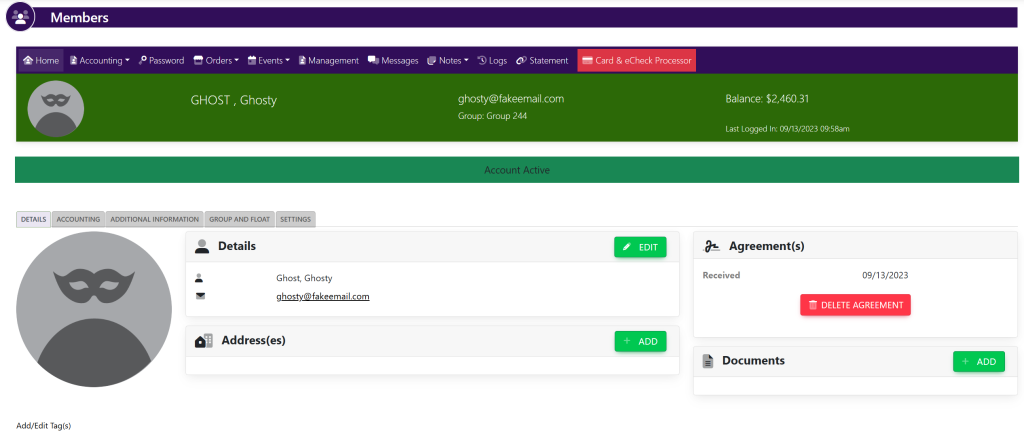
In the horizontal bar, select Management. This will take you here:
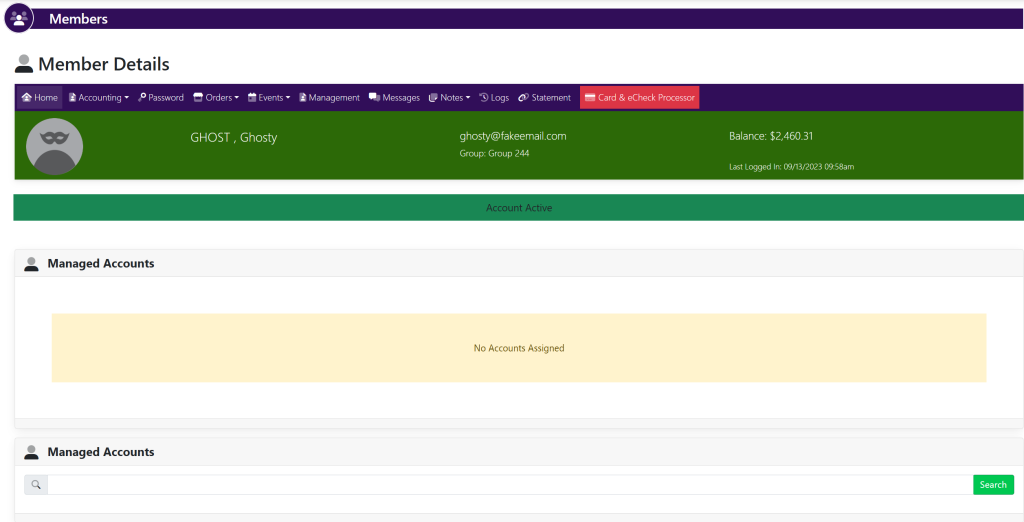
Type in the name of the member that you would like to add to the account. A list will appear that looks like this:
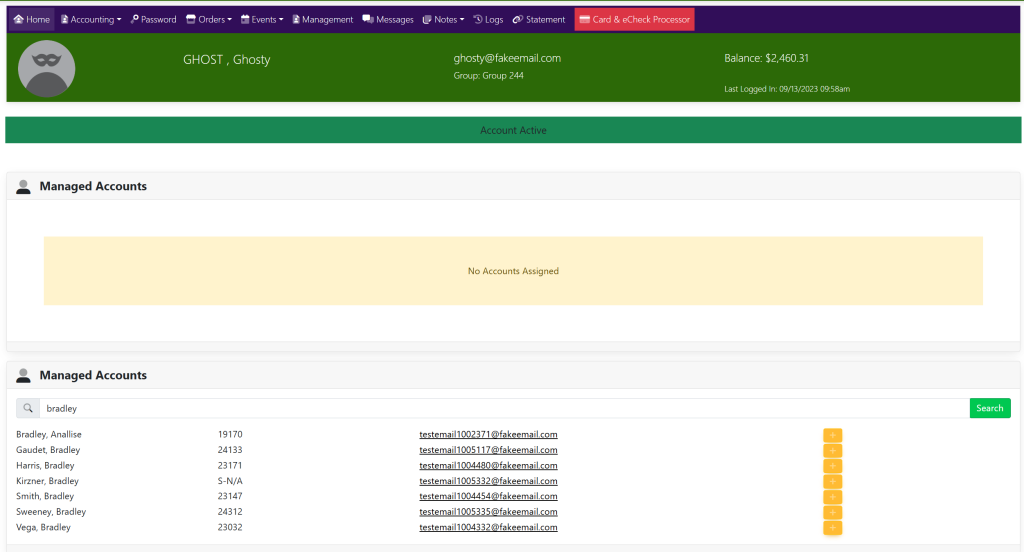
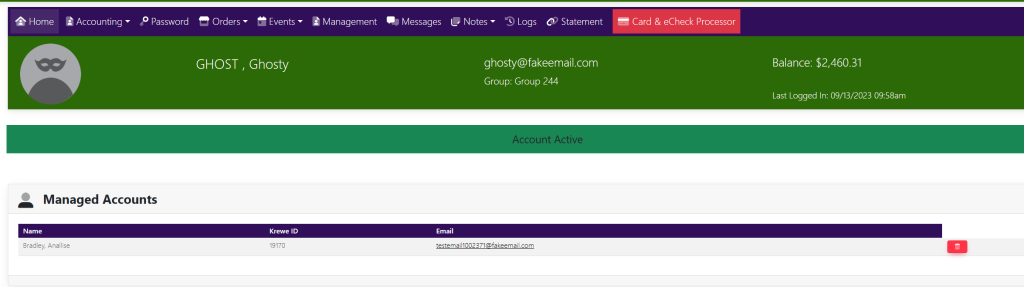
Select the yellow button just to the right of the name. Your page will reload and the member will appear within the Managed Accounts box that looks like this:
These are samples.