
On the left hand sidebar under EVENTS, select Events. This will take you here:

Select the desired event. This will take you here:
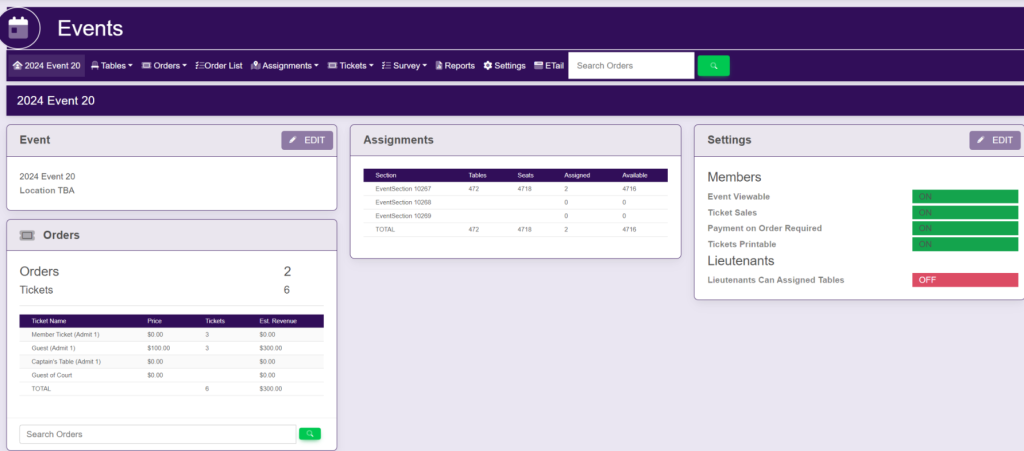
In the horizontal bar at the top of the page, select Assignments. A drop down will appear. Select Layout. A new tab will open that will take you here:
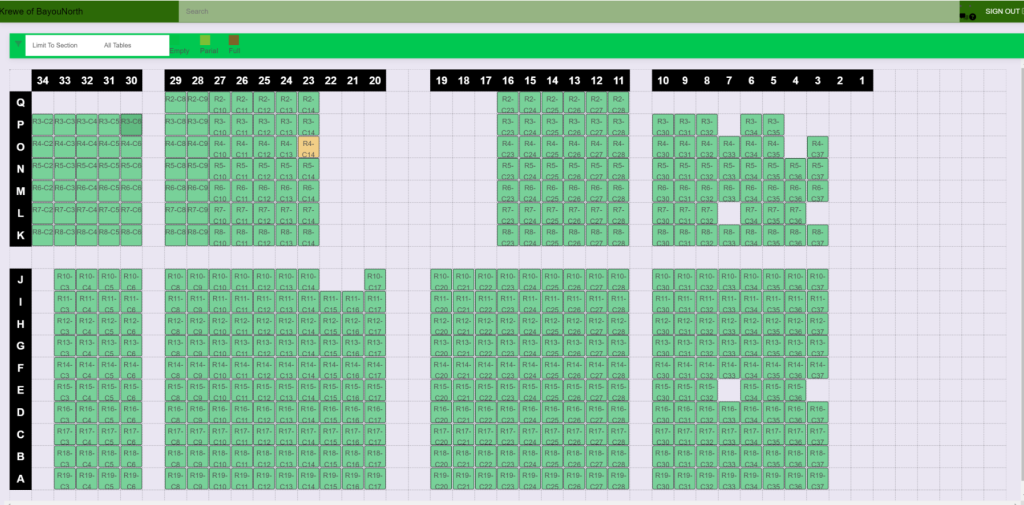
Double click on the table that you wish to delete an assignment. A pop up will appear that looks like this:
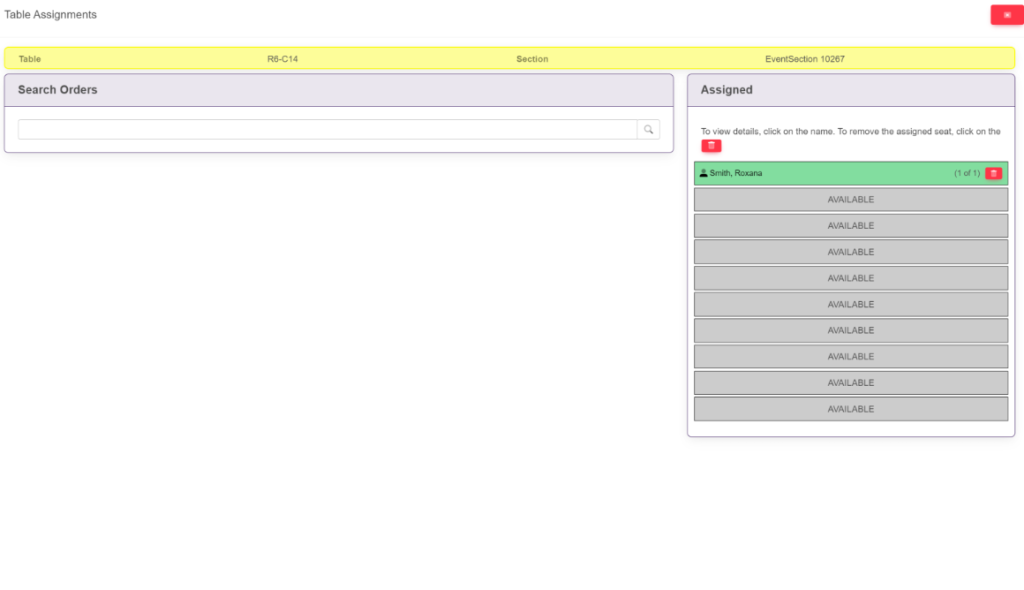
Within the Assigned box, search for the members’ name that you wish to delete.
To the right of the name, select the red trash button.
These are samples.