
Search the member’s name (see: Search Members).
This will bring you to a pop up that looks like this:
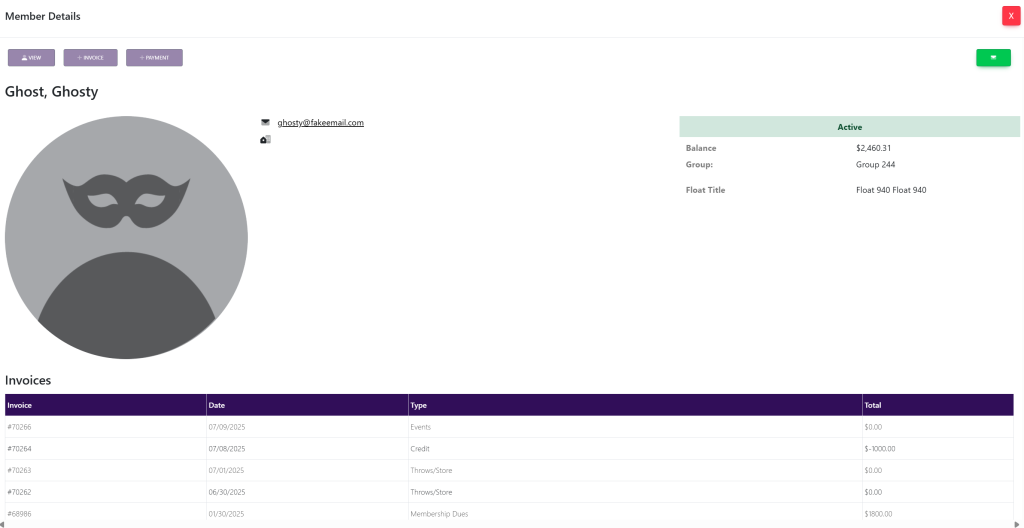
Select View at the top left of the pop up. This will take you here:
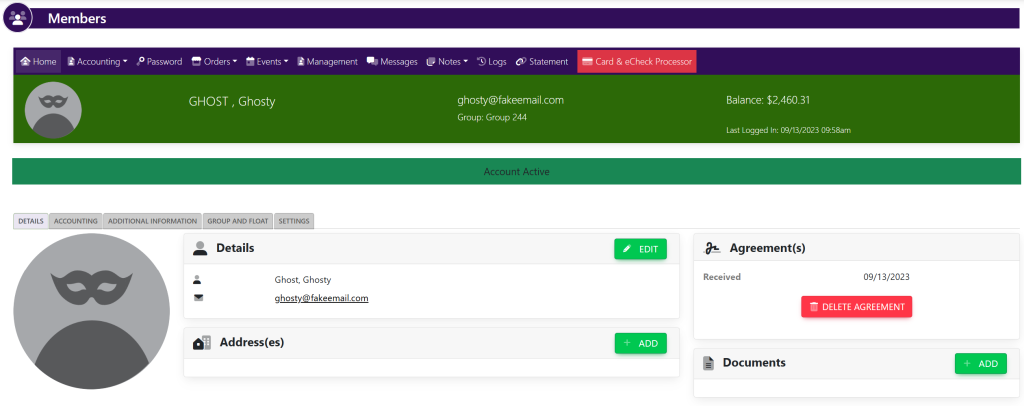
Select the settings tab. This will take you here:
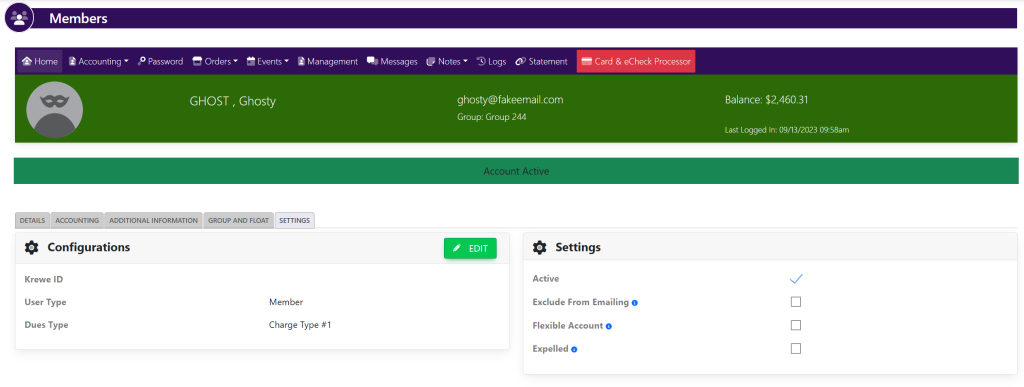
Within the Settings box, select/deselect the checkmark to make the member Active or Inactive.
These are samples.