
Within the left hand sidebar under EVENTS, select Events. This will take you here:
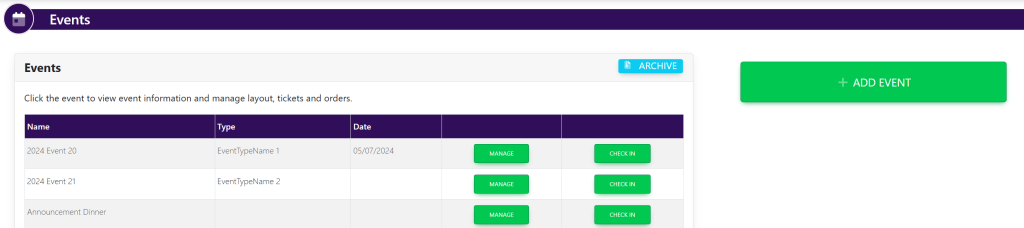
Select the desired event. This will take you here:
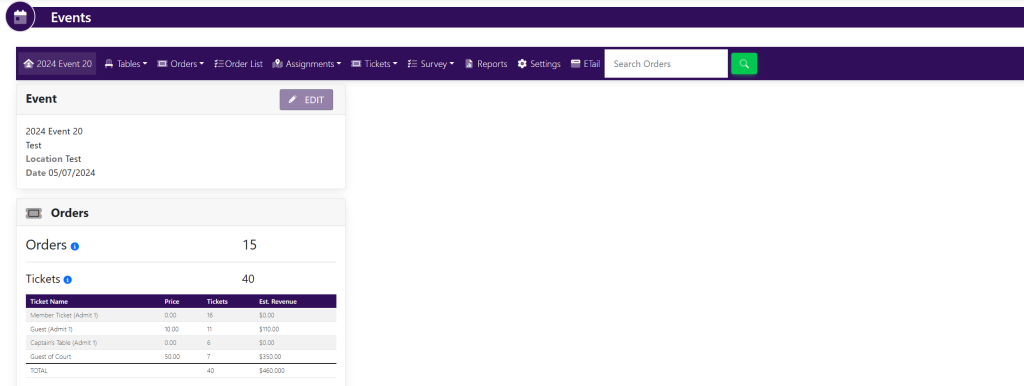
In the horizontal bar at the top of the page, select Tables. A drop down will appear. Select List. A new page will appear that looks like this:
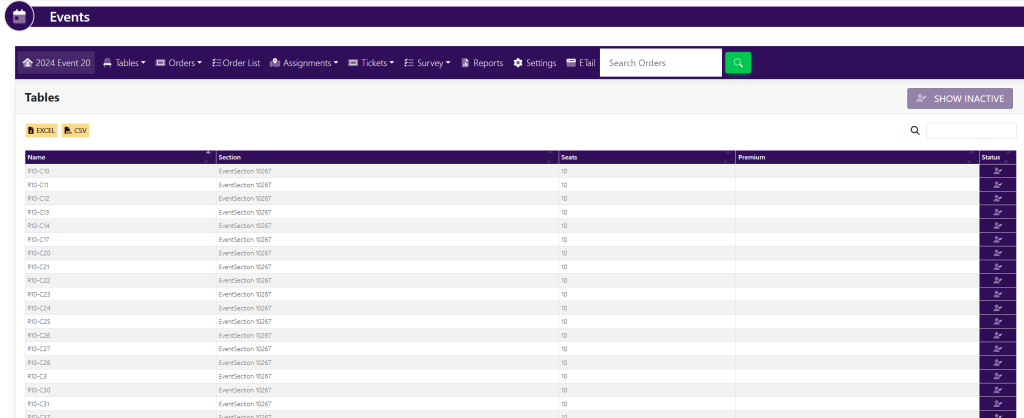
Within the Tables box, select Excel within the top left corner. An excel spreadsheet will download to your computer.