
Within the left side bar under ACCOUNTS, select Store. This will take you here:
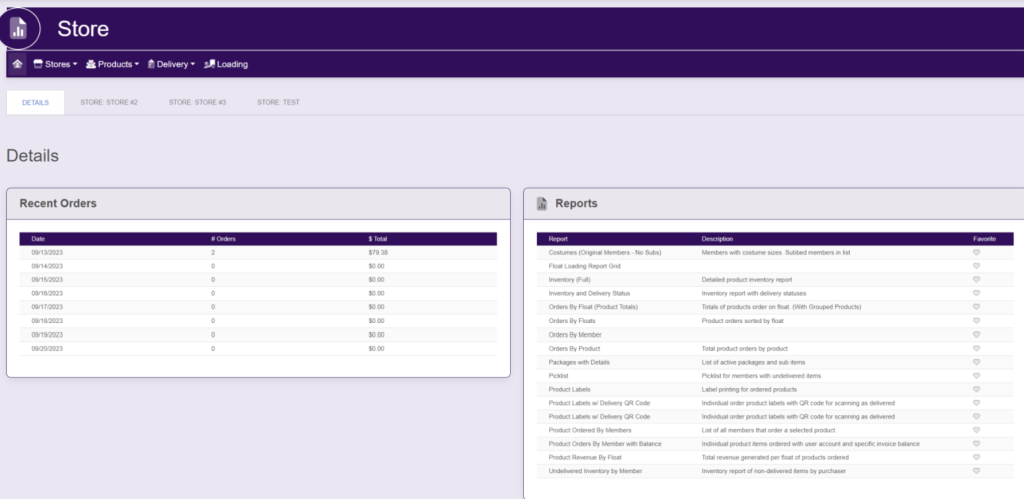
Within the horizontal navigation bar, select Products. A drop down will appear. Select Inactive List. This will take you here:
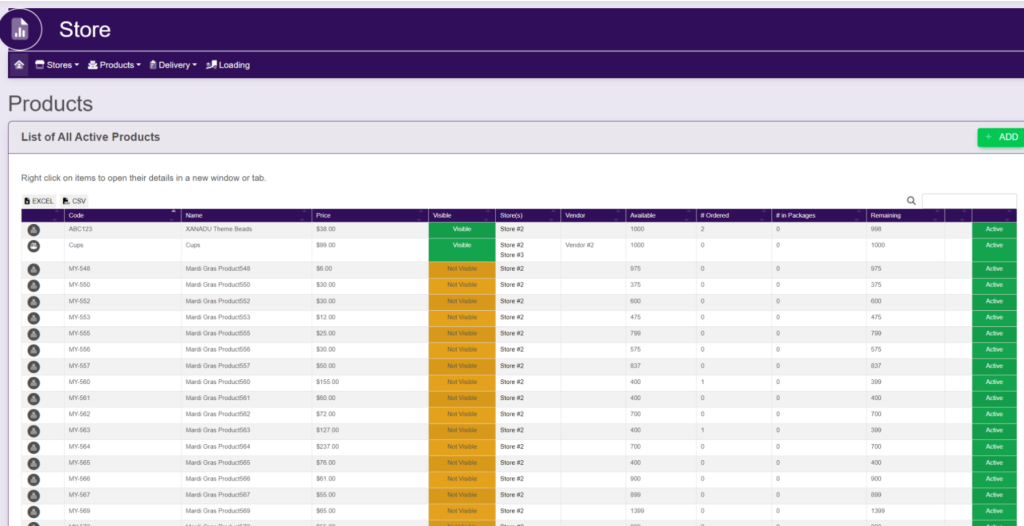
Select the product that you wish to activate. A new page will appear that looks like this:

Select the Settings And Configurations tab. It will look like this:
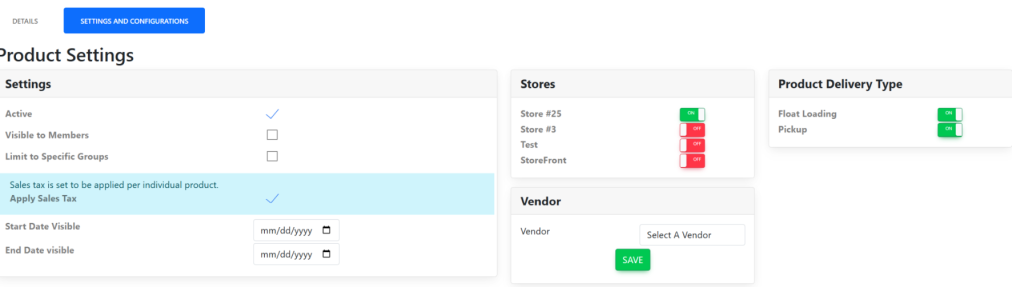
Within the settings box next to Active, select the checkmark to the right to activate the product.