
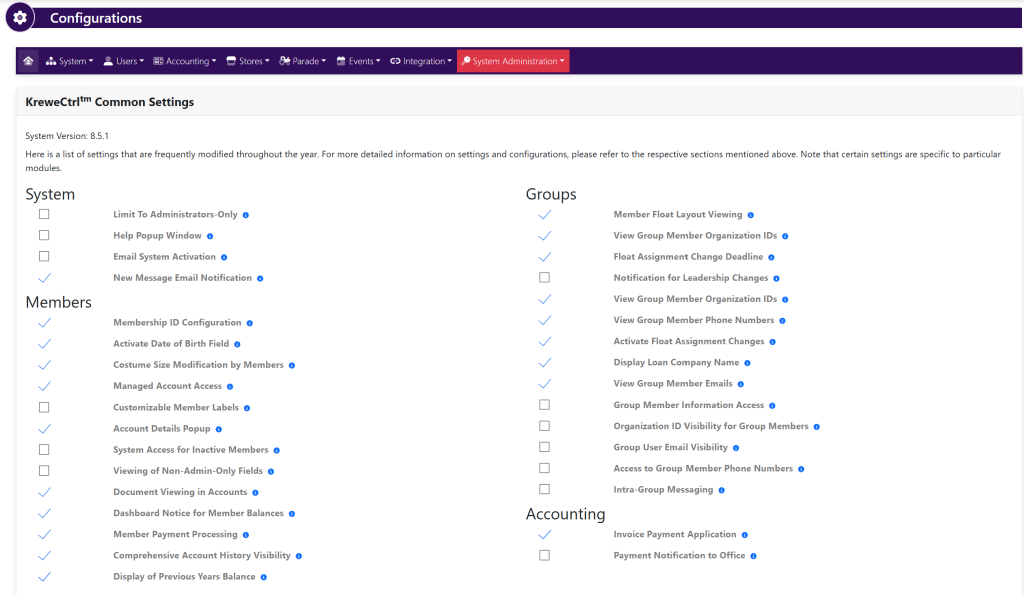
Select Settings and Configurations by clicking the Gear Icon in the top right. This will take you here:
Within the Users box, select Settings. This will take you here:
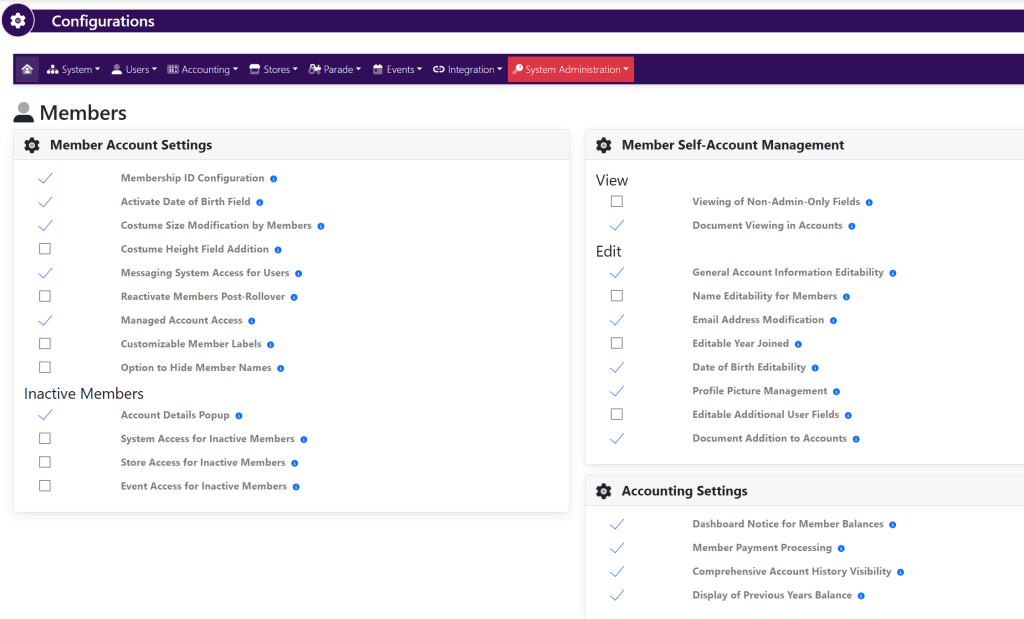
Use the checkmarks to the left of the setting to change the settings for members’ and their accounts.