
Within the left side bar, select My Account. This will take you here:
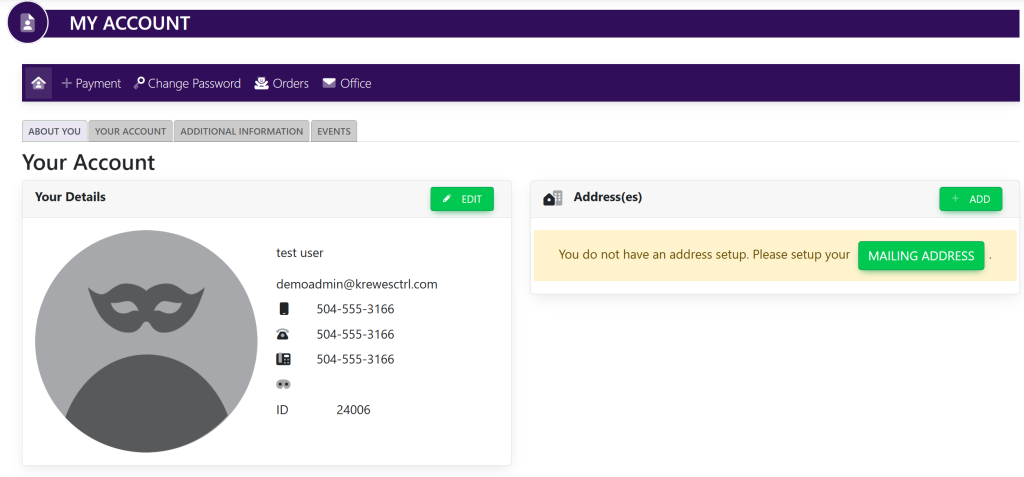
Select the tab titled Events. This will take you here:
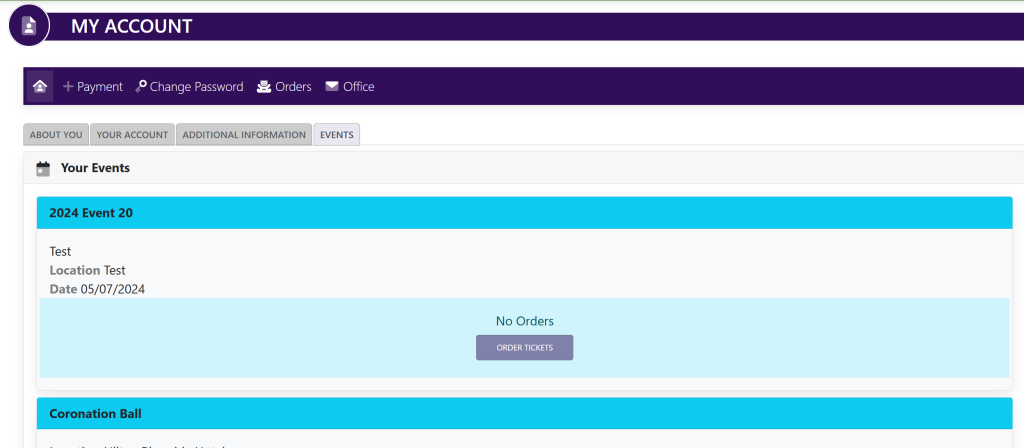
Within the Your Events box, select Order Tickets. This will take you here:
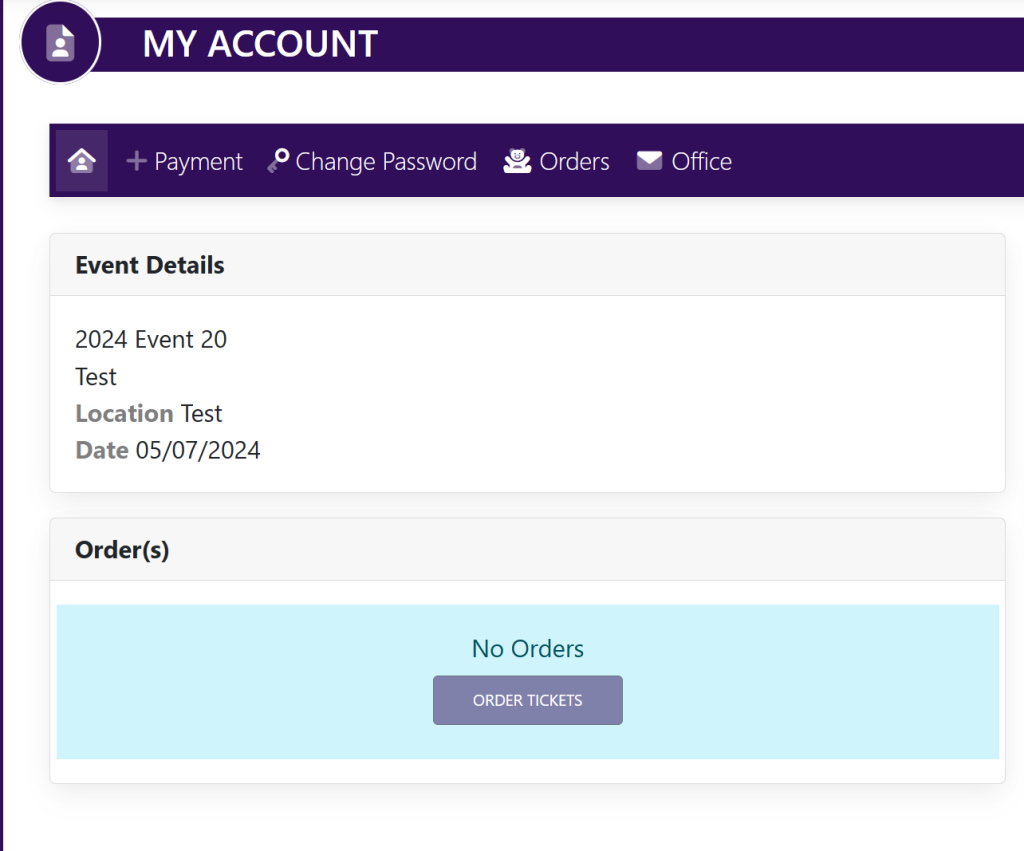
Within the Order(s) box, select Order Tickets. A pop up will appear that looks like this:
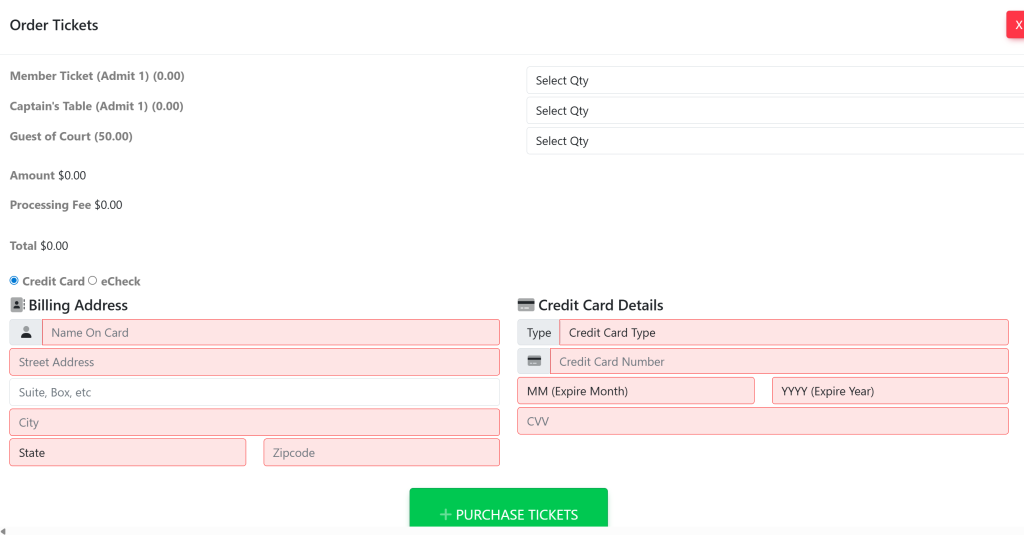
Select the tickets that you wish to order and provide Credit Card or eCheck details. Then, select the green button titled +Purchase Tickets.
Your tickets will then appear within your account.