
Select Settings and Configurations in the top right corner. This will take you here:
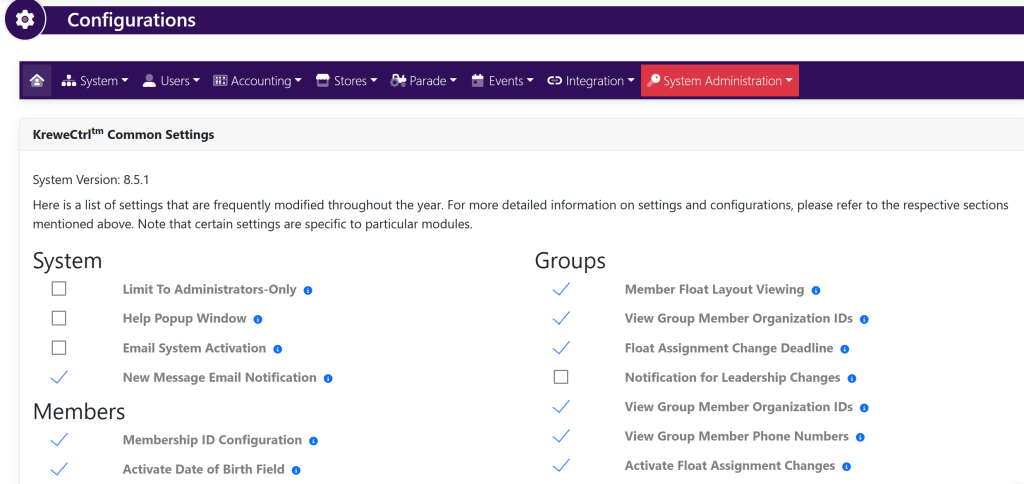
In the horizontal navigation bar, select System. Then, select Messages. This will take you here:
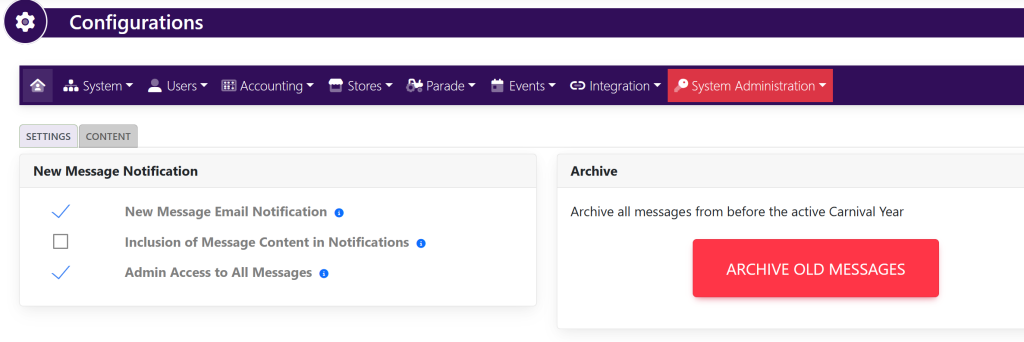
Within the New Message Notification box, select the checkmark to the left of Admin Access To All Messages to turn on/off the ability to view every message sent within the system.