
Click on the Settings icon (the gear) located to the right of the search bar. This will take you to this page:
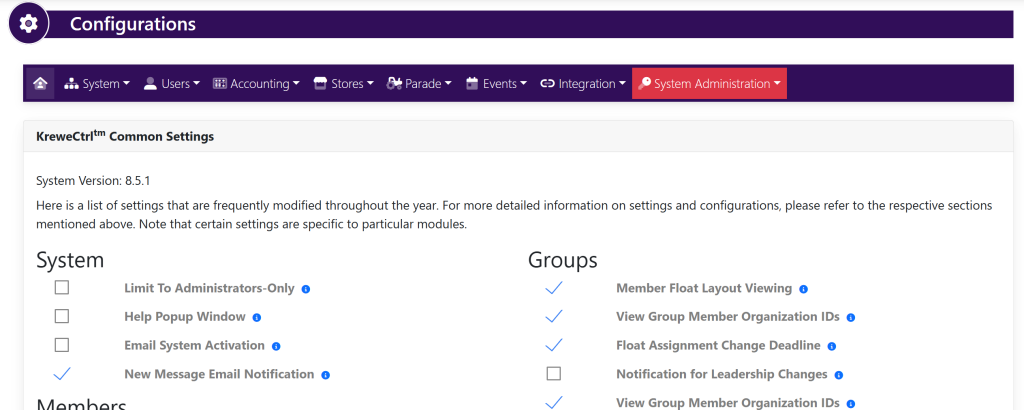
Within the horizontal navigation bar, select Accounting, then select Payment Types. This will take you to this page:
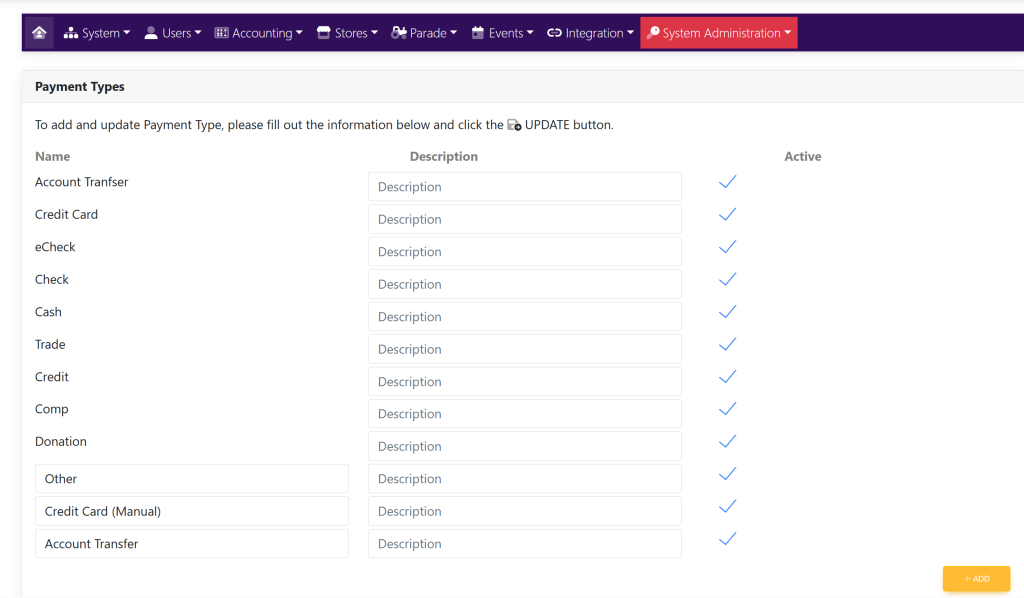
To add a payment type, click the + Add button in the bottom right-hand corner. A new line will appear like this:
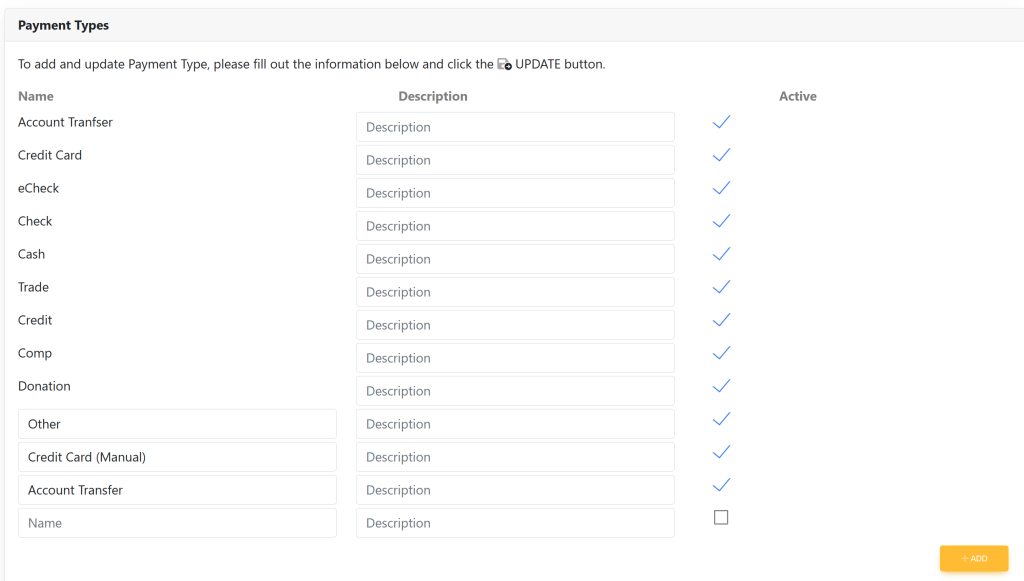
Type in the name of the new payment type where it says Name. See here:
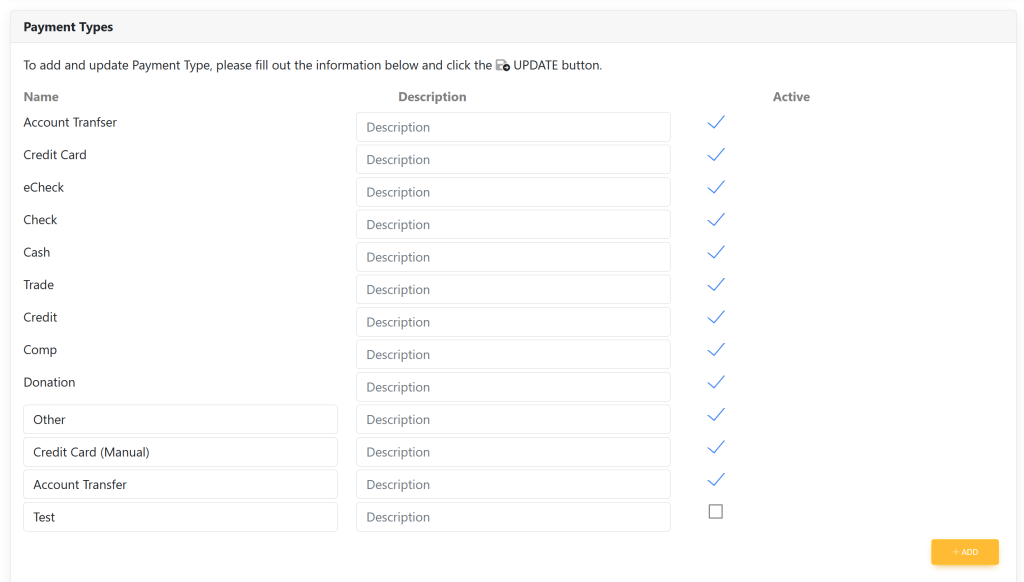
Once you have entered in your desired verbiage, click the green button titled Update in the bottom right corner. See here:
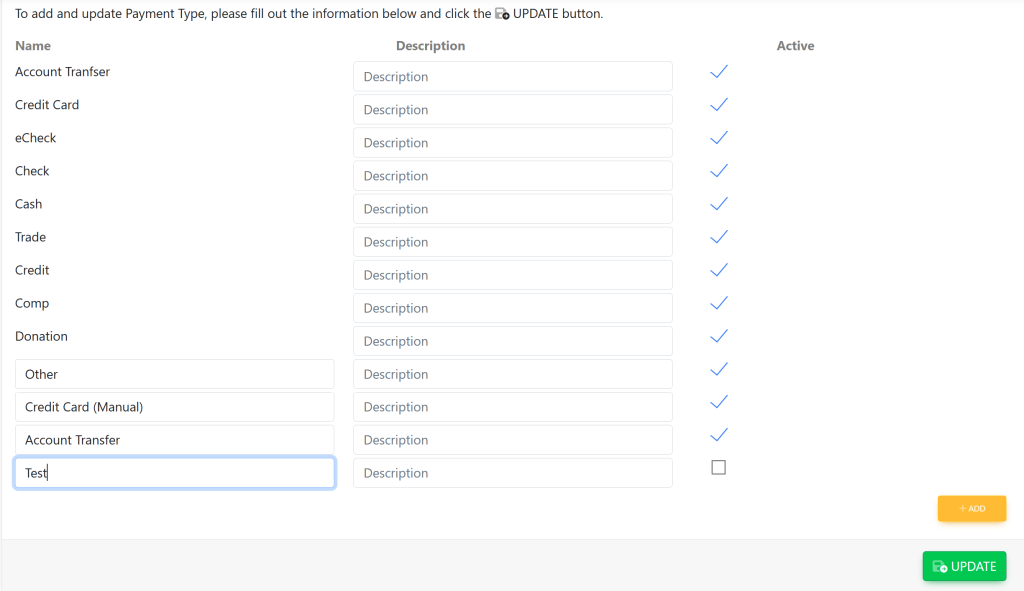
To make a payment type active/inactive, click the checkmark to the right of the payment type.
When done, click the Update button in the bottom right-hand corner to save changes.