
Search for the member and select view. This will take you here:
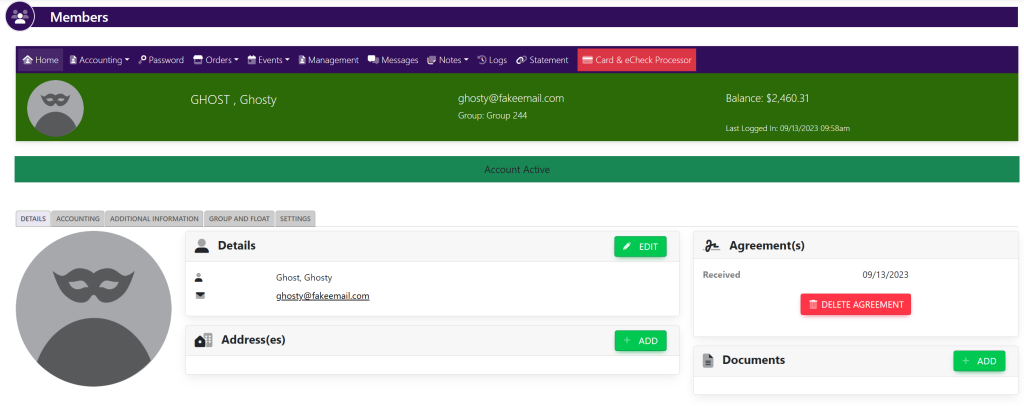
Select the tab titled Accounting. Your page will then look like this:
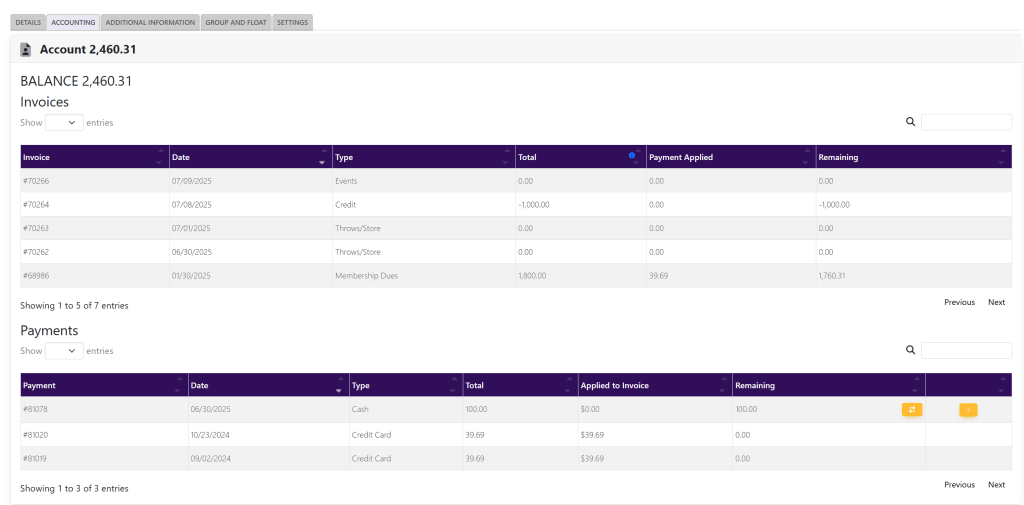
Select the payment that you wish to edit. A pop up will appear that looks like this:

In the top right of the pop up, select the green button titled Edit. This will take you inside of the payment shown here:
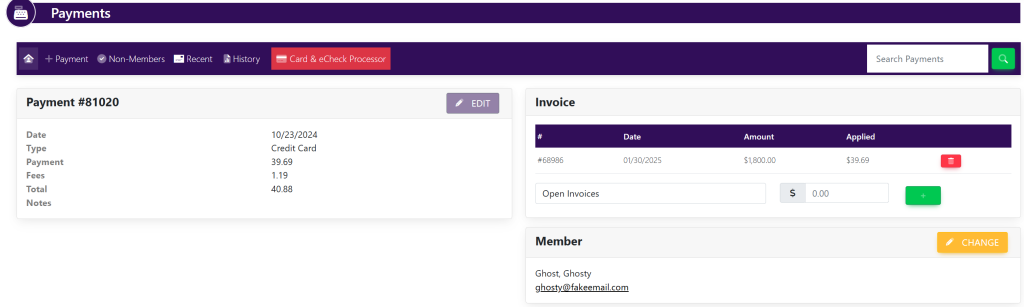
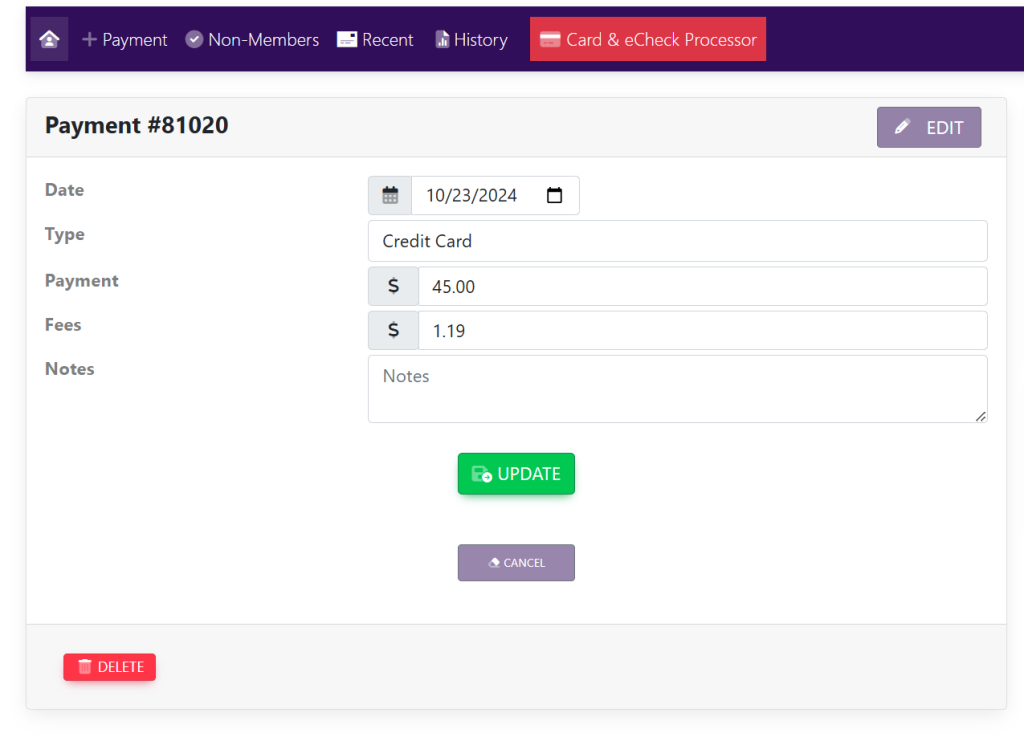
Within the Payment # box select the purple button titled Edit. Your page will now look like this:
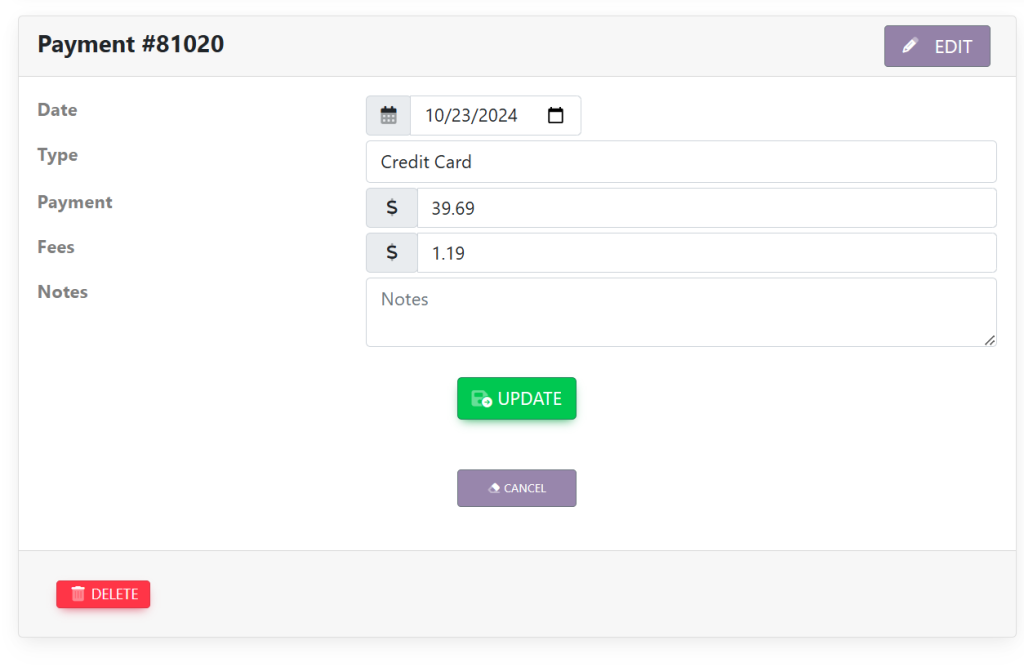
In the line item titled Payment type in the amount that you wish to change it to and select the green button titled Update. Your page will now look like this:
The account balance will now reflect this payment amount.