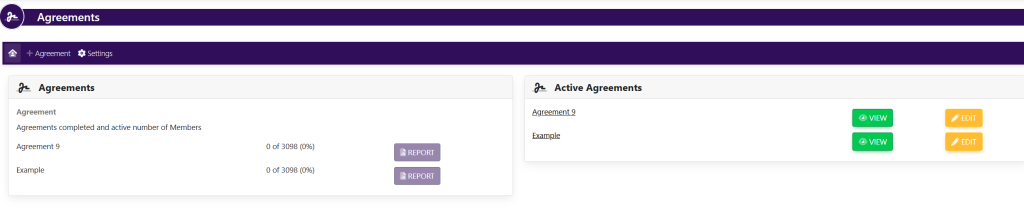
On the left-hand side of the screen in the navigation bar, select Agreements under Member. This will take you here:
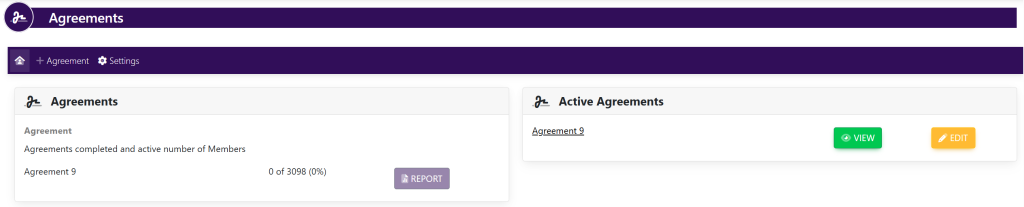
Click + AGREEMENT from the top section navigation. This will take you here:
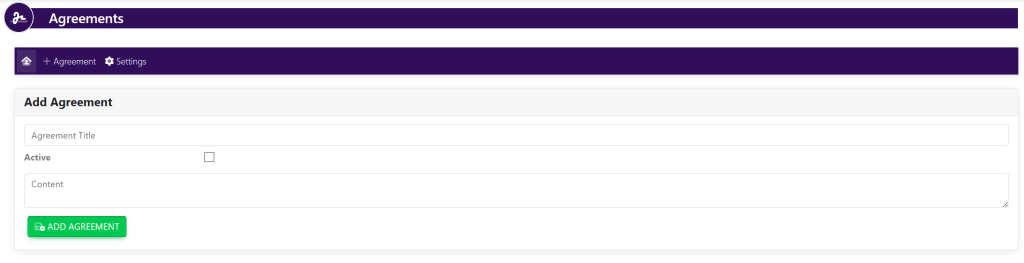
Type in:
- The Title
- Active/Inactive – This specifies if you want the agreement to be Active or Inactive.
- The Agreement text
Your page will now look like this:
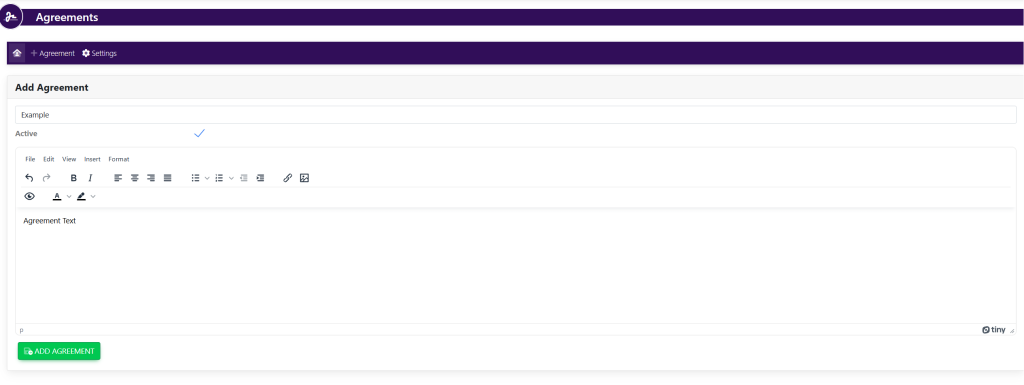
Select the green button titled Add Agreement at the bottom of the page to save. The new agreement will now show in the list of the current agreements. See here: