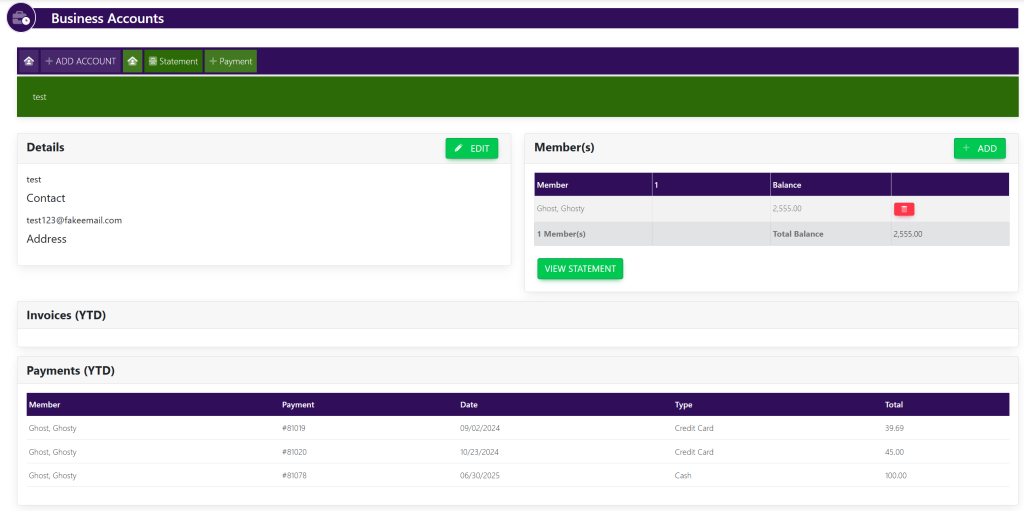
Business Accounts are for the grouping and tracking of multiple user accounts that are managed by a company or organization. Business Accounts can have group statements for payment of multiple accounts. You can do this by:
On the left navigation under Accounts, click Business Accounts. This will take you here:
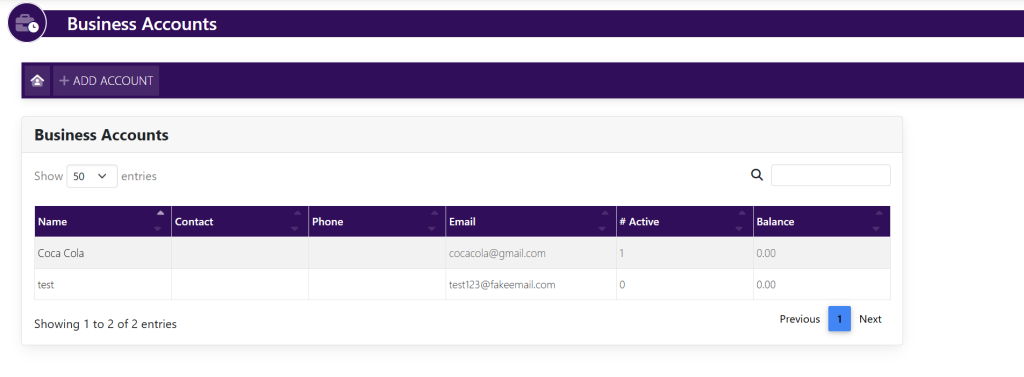
On the list of Business Accounts, click on the row of the Business Account to add a User. It will look like this:
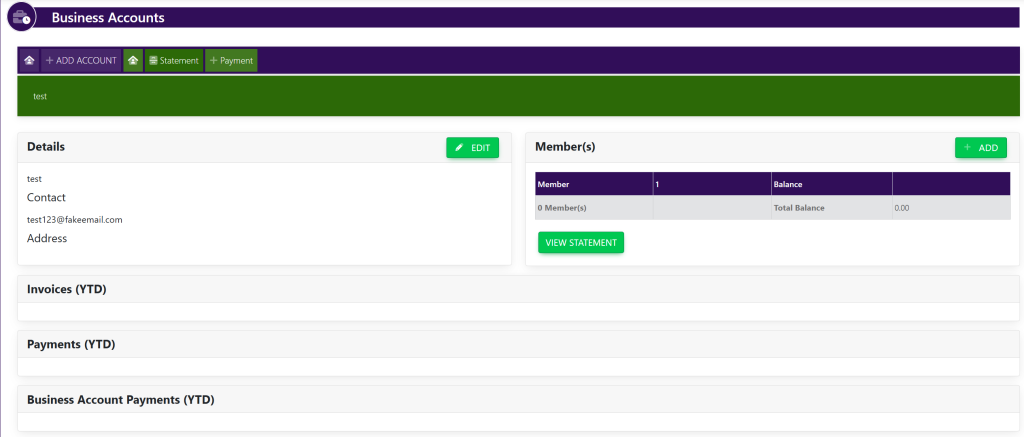
In the Member(s) section, click + ADD.
A new popup screen will appear that looks like this:

Begin entering the first or last name of the User, press ENTER or click the Search Button
A list of members will appear. Click the name of the user to add to the Business Account. See here:

The name will now appear in the list of names assigned to the Business Account shown here: