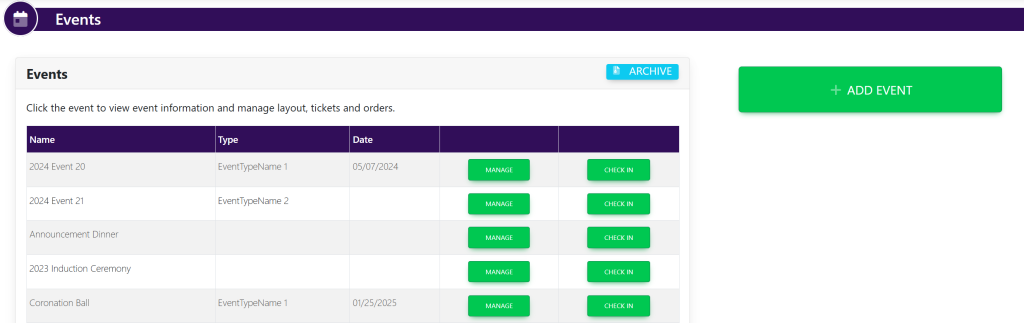
On the left-hand side of the screen in the navigation bar under Events, select Events. This will take you here:
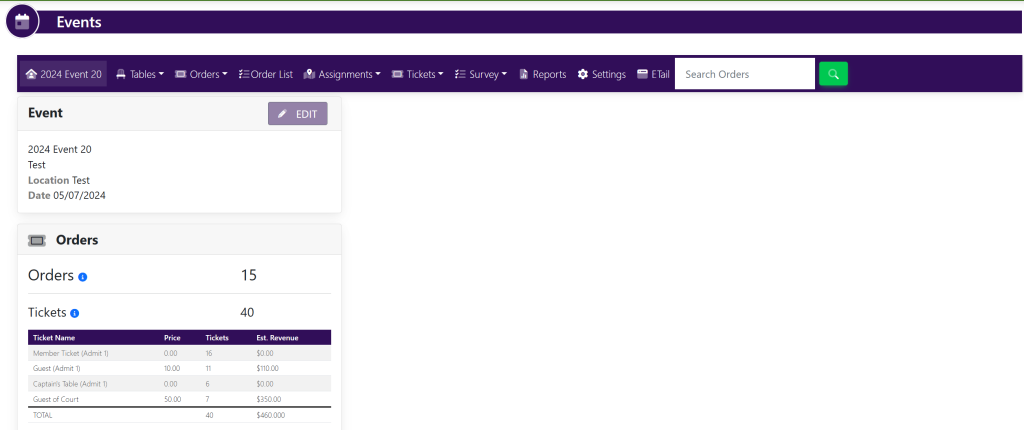
Select the event that you wish to change the settings. This will take you here:
In the horizontal navigation bar at the top of the screen, click Settings. This will take you here:
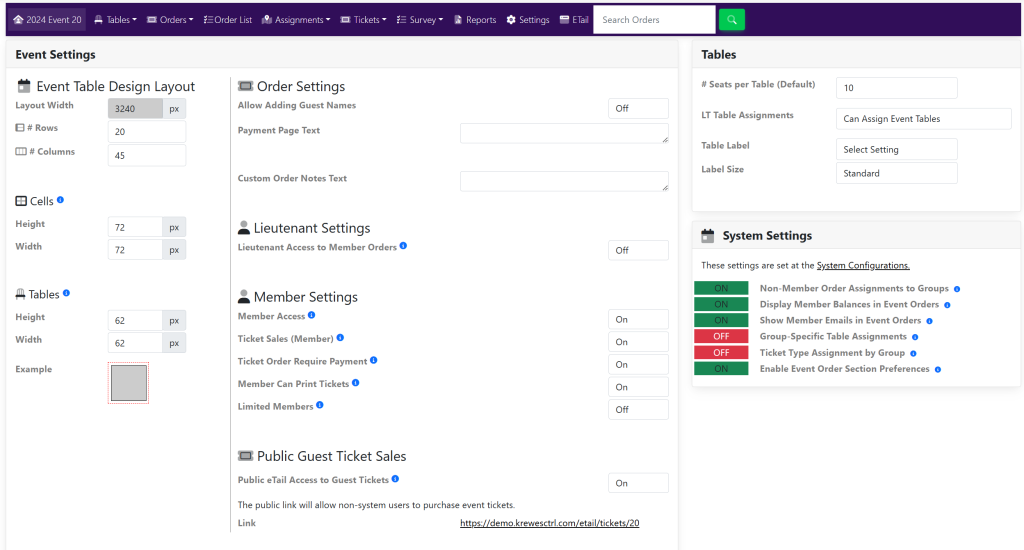
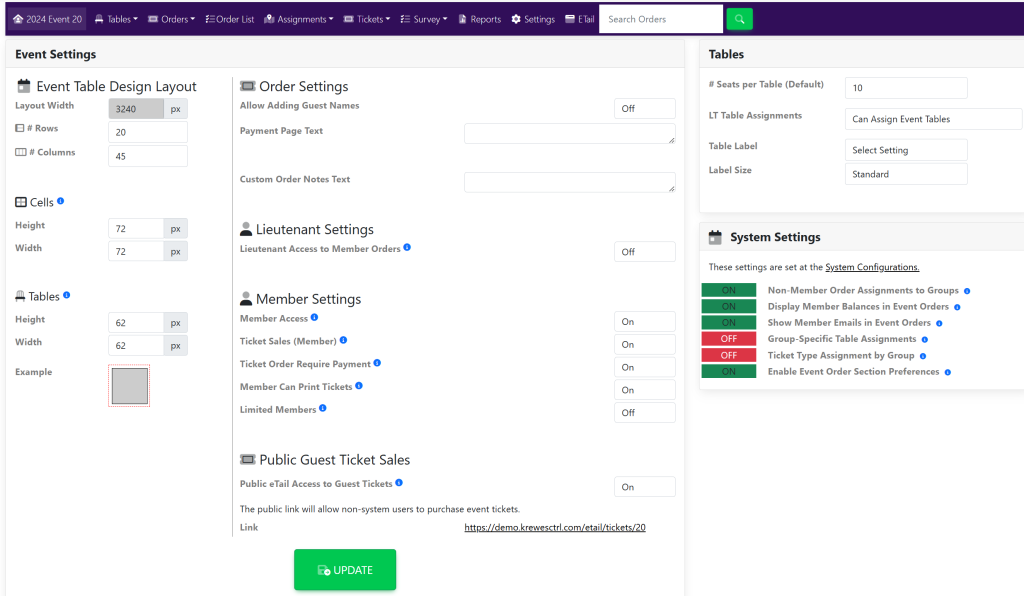
Within the Event Settings box, locate Ticket Order Require Payment under Member Settings.
Use the On/Off drop down to the right of this to allow or not allow members to order now and pay later. Then, select the green button titled Update that appear at the bottom of the screen shown here: