
There are times that a Krewe may want to turn off the ability for users (members) from making payments. Administrators can turn off user payment ability with a few steps:
Go to Settings and Configurations at the top right of your screen. This will take you here:

Within the horizontal navigation bar, select Users. Then, select Settings from the drop down. This will take you here:
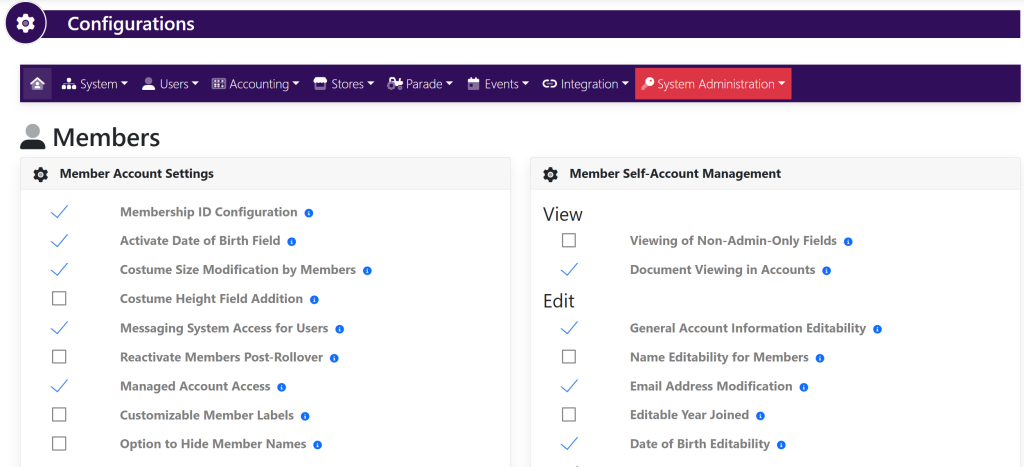
Within the Account Settings box, deselect the checkmark to the left of Member Payment Processing shown here:
