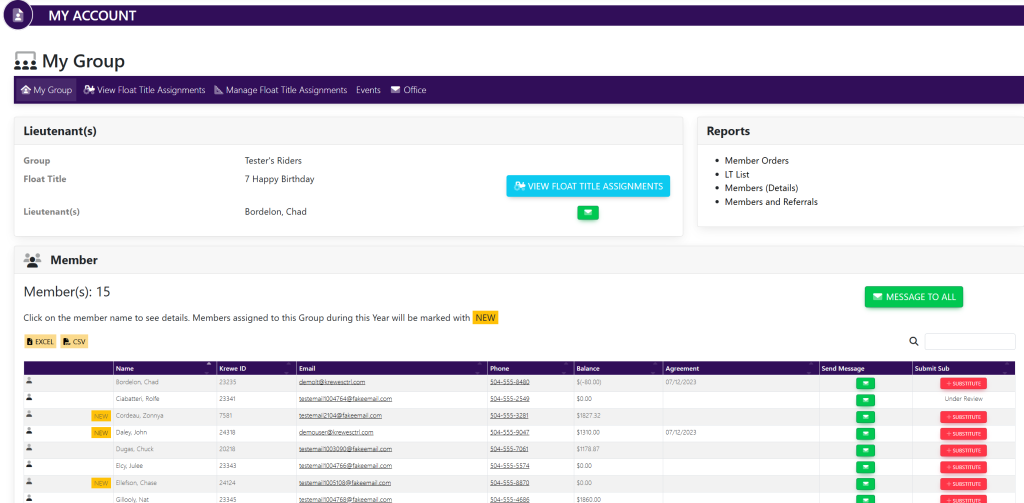
Within the left side navigation bar, select My Group. This will take you here:
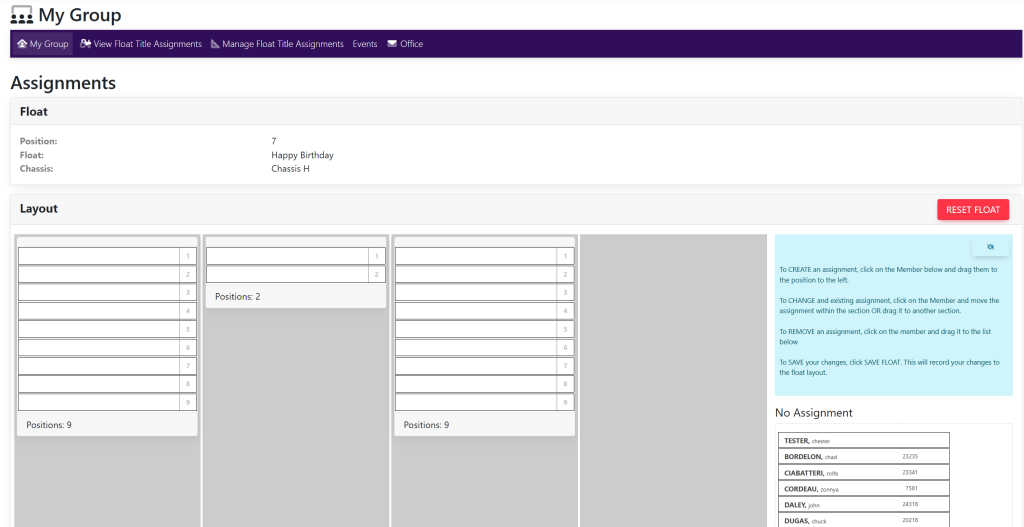
Within the horizontal navigation bar, select Manage Float Assignments. This will take you here:
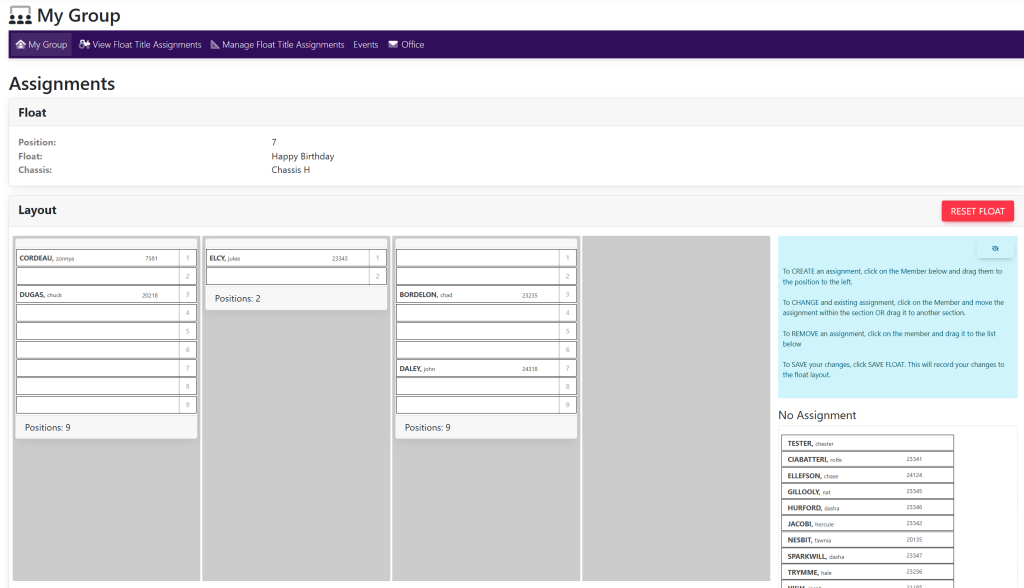
Within the Layout box, select the red button titled Reset Float. Once selected, a pop up will appear asking you to confirm shown here:

Select OK. Your page will now look like this: