
On the left-hand side of the screen in the navigation bar, select Agreements under Member. This will take you here:
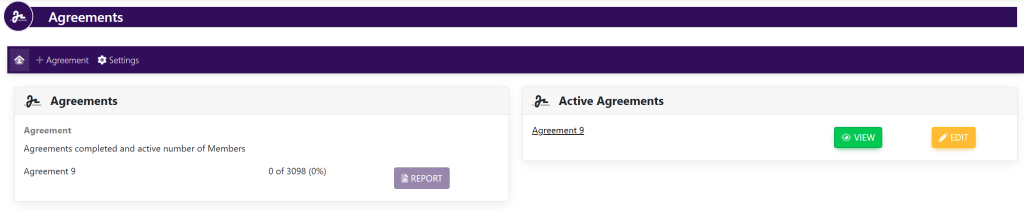
Within the box titled Active Agreement, select the yellow button titled Edit next to the agreement that you wish to edit. This will take you here:
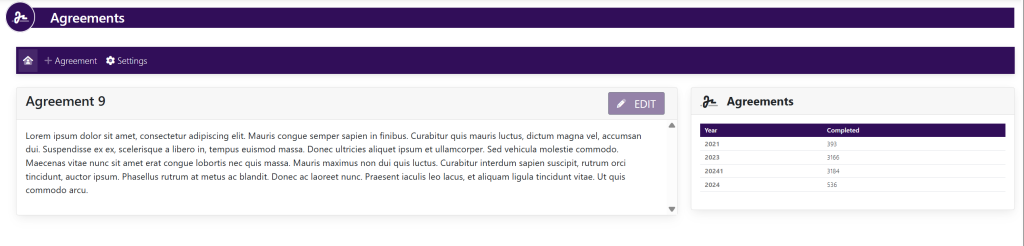
Within the box with the agreement title (Within this example, it is titled Agreement 9), select Edit. This will take you here:
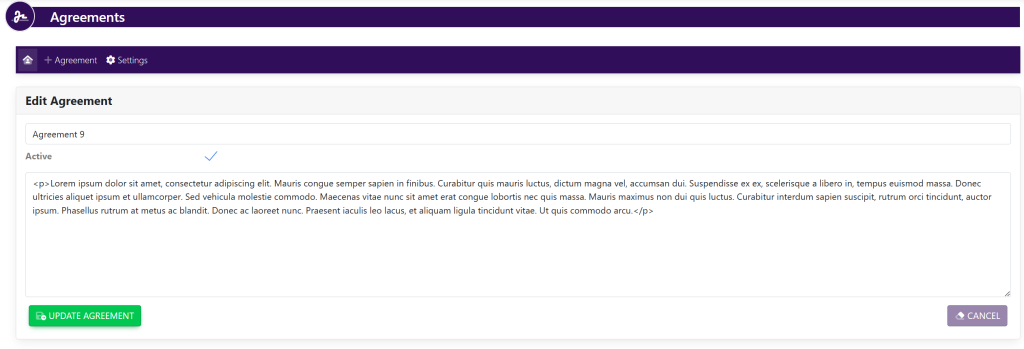
Within the Edit Agreement box, fill out the following information:
- Agreement Title
- The information within the agreement
Once you have completed this, select the green button titled Update Agreement.