
Click on the Settings icon (the gear) located to the right of the search bar. This will take you here:
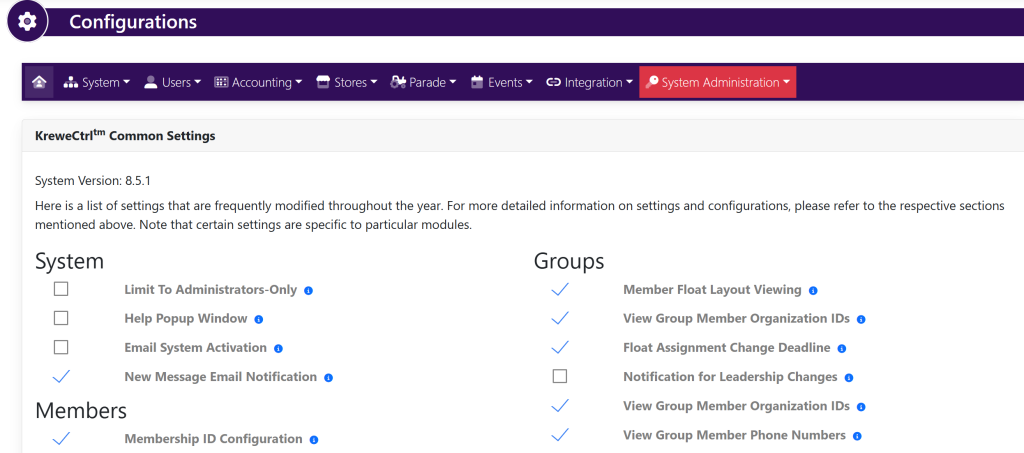
Within the horizontal navigation bar, select System. Then, within the drop down, select Login Page. This will take you here:
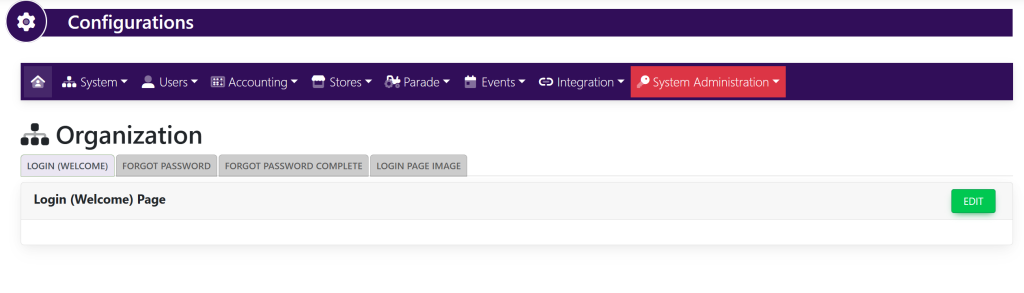
Select the green button titled Edit in the respective tabs to change the verbiage and pictures that will show within the login page shown here:
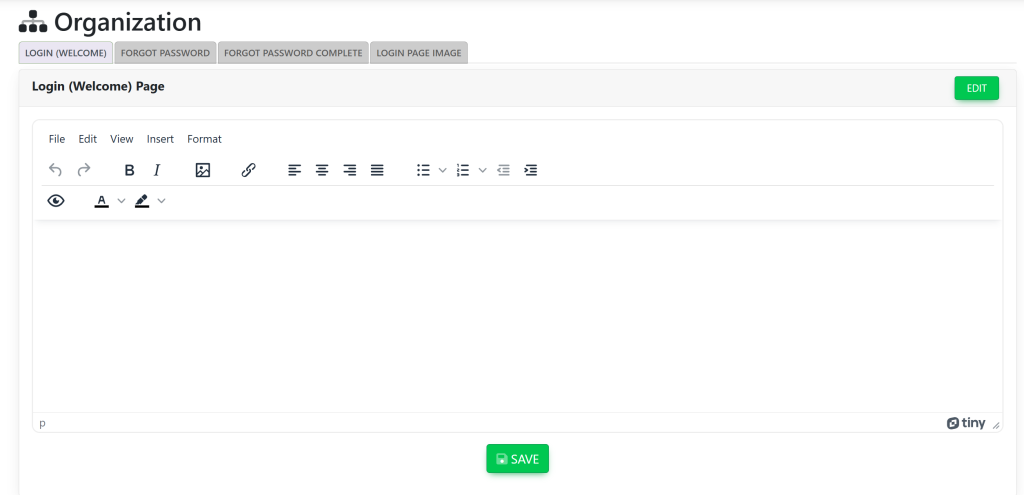
Once finished, select the green button at the bottom of the screen titled Save.