
Select the gear icon on the top left hand of the page. This will take you here:
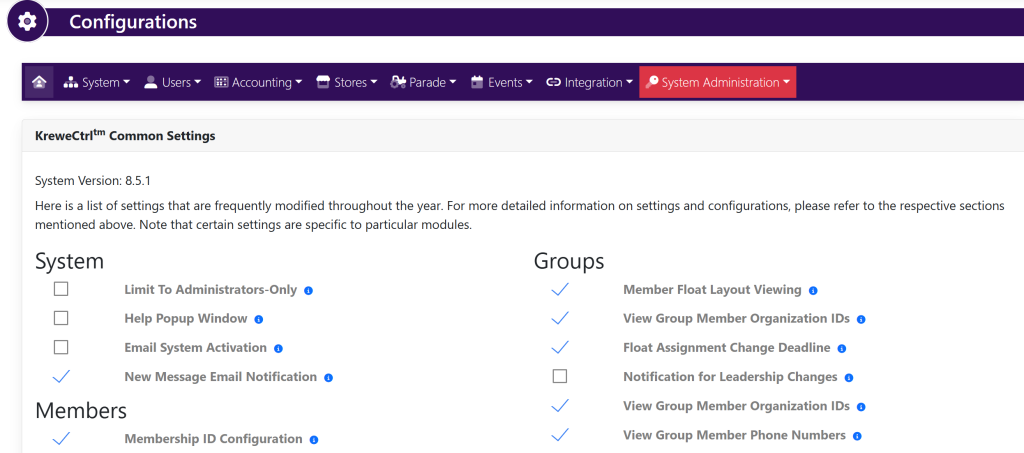
Within the horizontal navigation bar, select System. Then, Login Page. This will take you here:
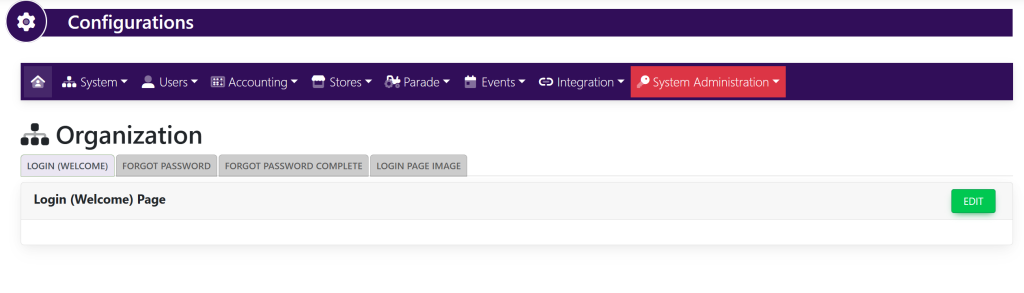
Select the tab titled Login (Welcome). Then, select the green button in the top right hand of the box titled Edit. This will take you here:
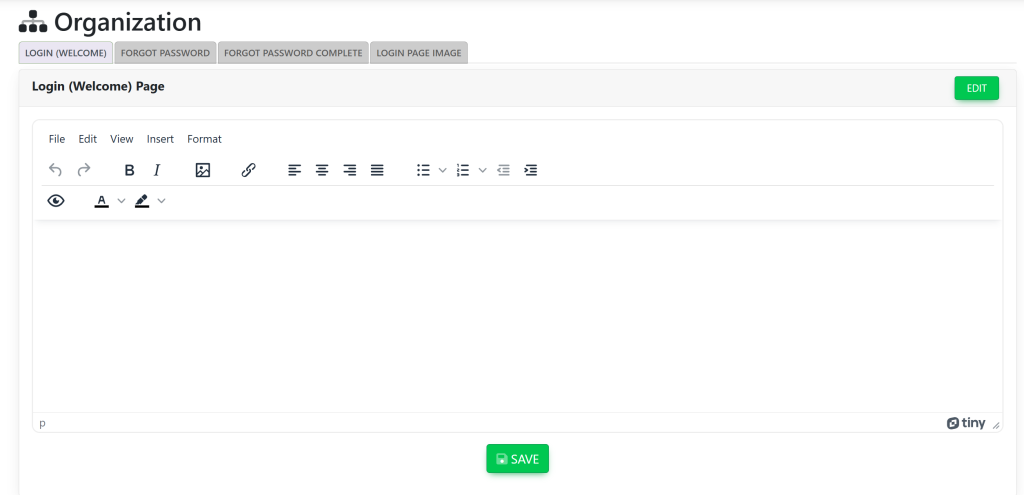
Type in the text that you wish to see on the login page. Then, select the green button below the box titled Save.