Within the left side bar under EVENTS, select Events. This will take you here:
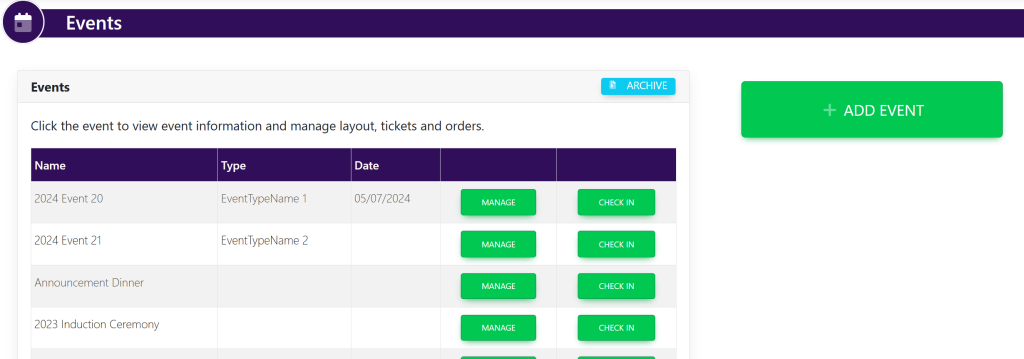
Select the event that you wish to make edits. This will take you here:
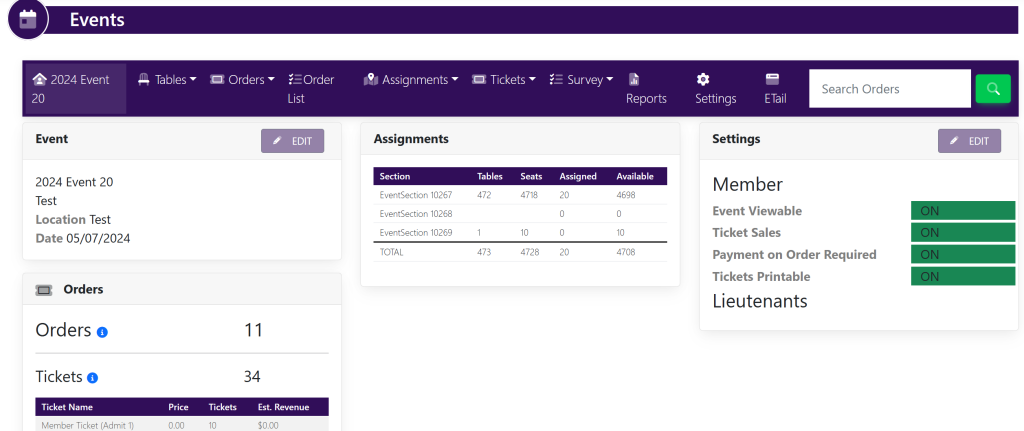
Within the Settings box on the right hand of the screen, select Edit. This will take you here:
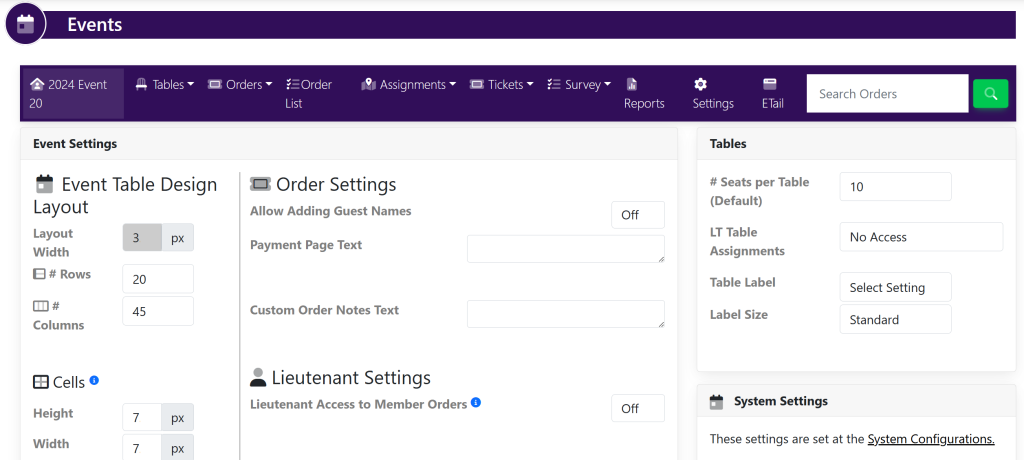
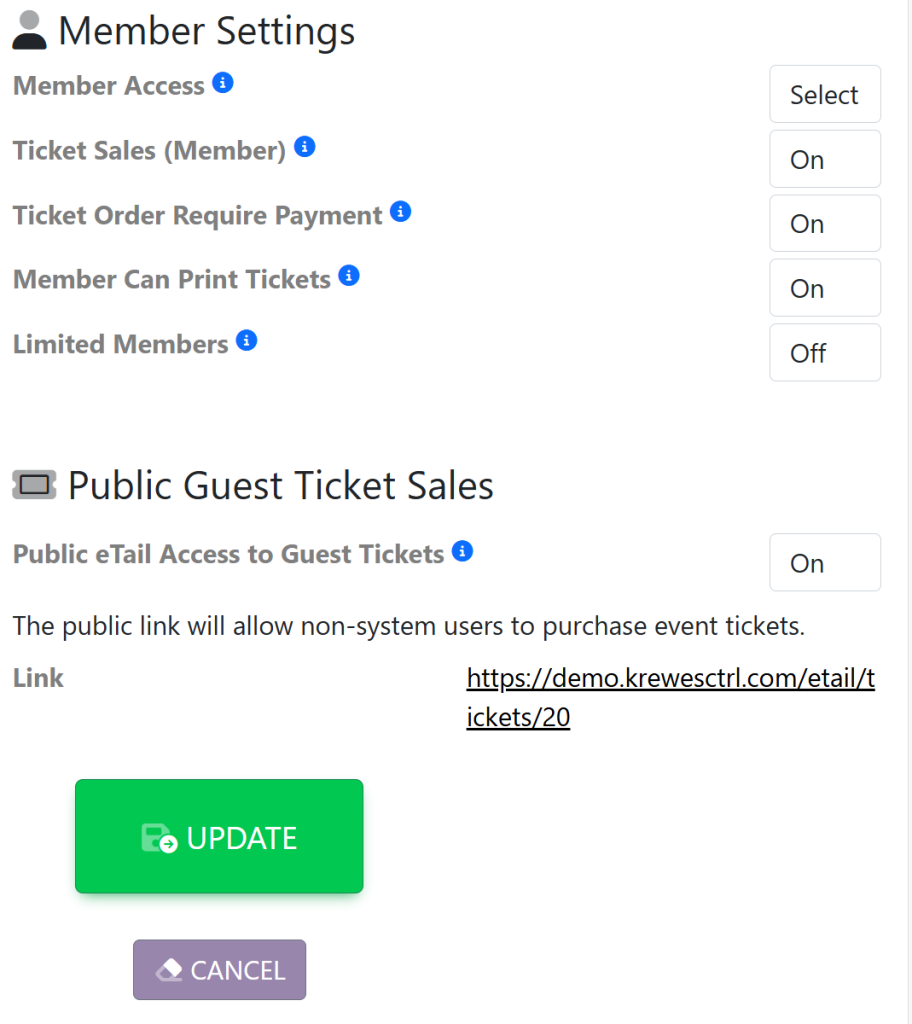
Within the Event Settings box, locate the Member Settings. It will look like this:
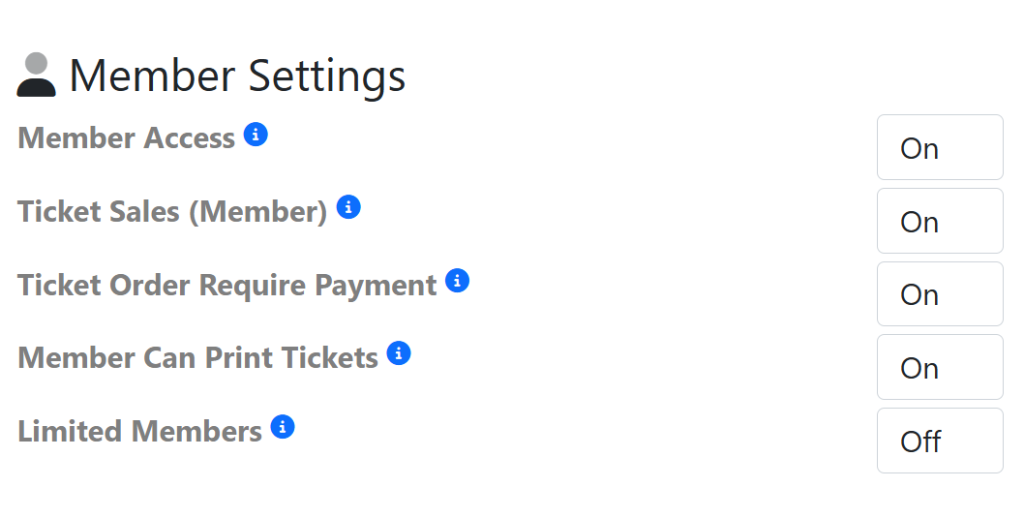
Within the Member Settings section, select ‘On/Off’ to the right of each option to activate/deactivate. Then, select the green Update button that appears at the bottom of the box shown here: