
1. Home
  2. Knowledge Base
  3. Administration
  4. System Configurations
  5. Make Product Available Within Multiple Stores
  1. Home
  2. Knowledge Base
  3. Administration
  4. Make Product Available Within Multiple Stores
  1. Home
  2. Knowledge Base
  3. System Configurations
  4. Stores
  5. Make Product Available Within Multiple Stores
  1. Home
  2. Knowledge Base
  3. Stores and Products
  4. Make Product Available Within Multiple Stores

Make Product Available Within Multiple Stores

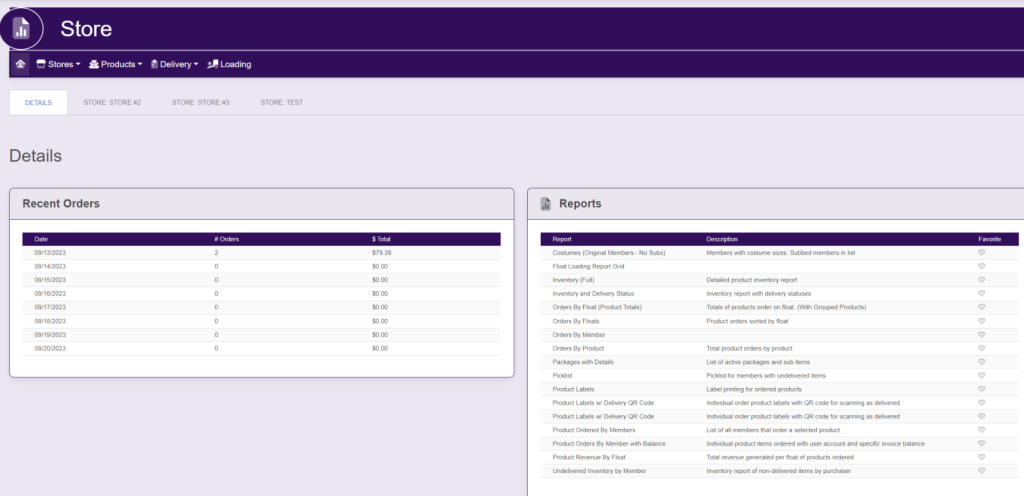
Within the left side bar under ACCOUNTS, select Store. This will take you here:
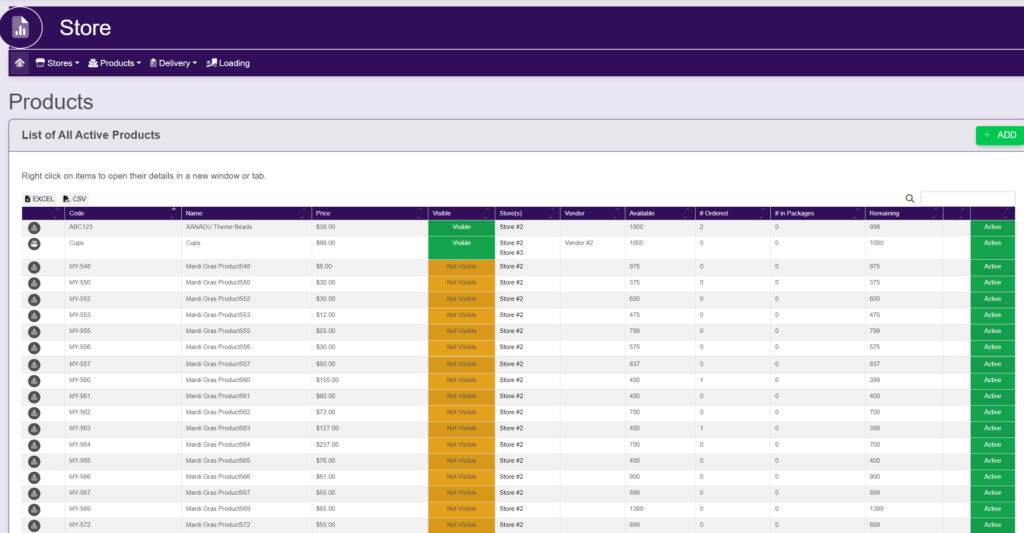
Within the horizontal navigation bar, select Products. A drop down will appear. Select Active List. This will take you here:
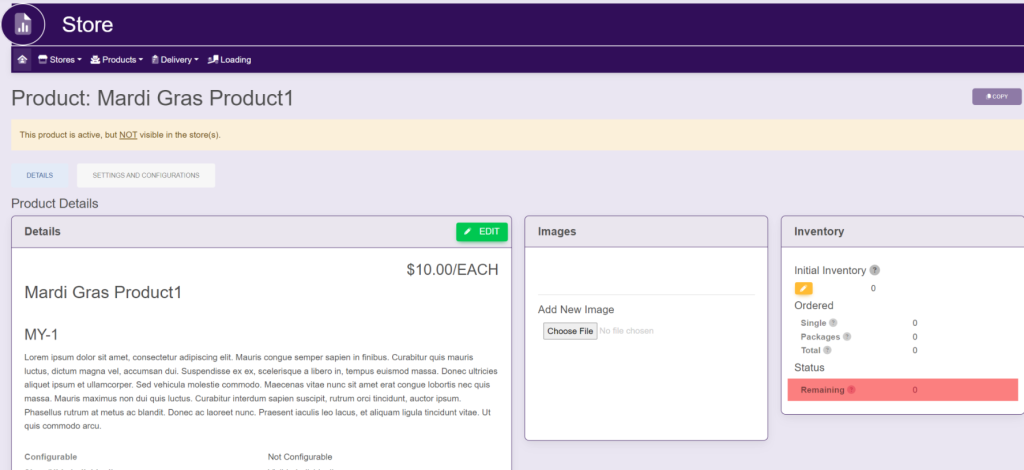
Select the product that you wish to change the Store type. A new page will appear that looks like this:
Select the Settings And Configurations tab. It will look like this:
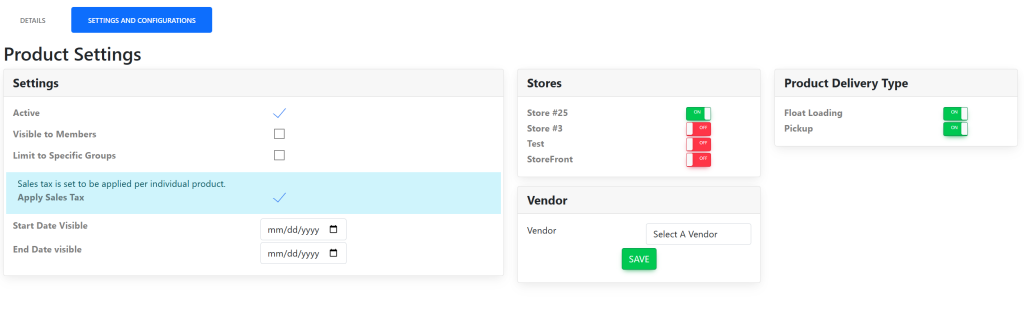
Within the Stores box, select/deselect the checkmark to choose which store(s) to make this product visible.

Updated on July 15, 2025

Related Articles