
Within the left side bar under ACCOUNTS, select Products. This will take you here:

Select the product that you wish to make active/inactive. This will take you here:
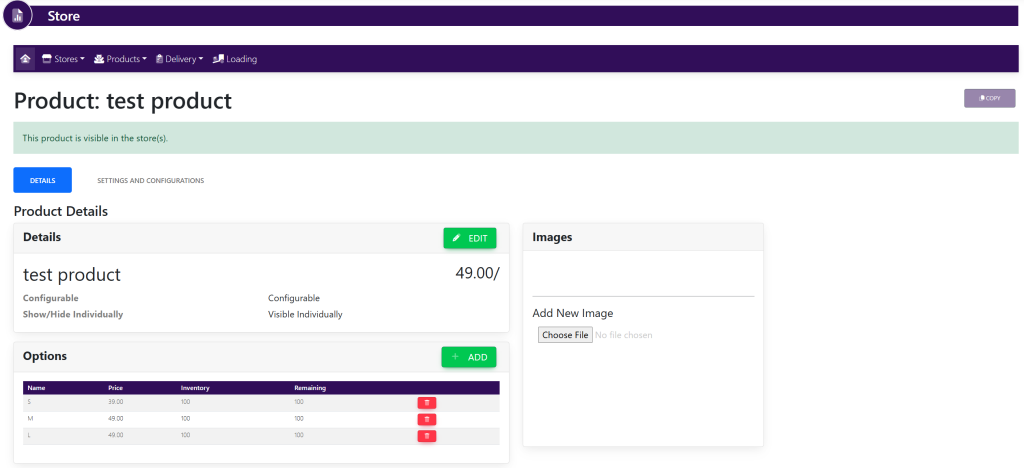
Select the Settings And Configurations tab. This will take you here:
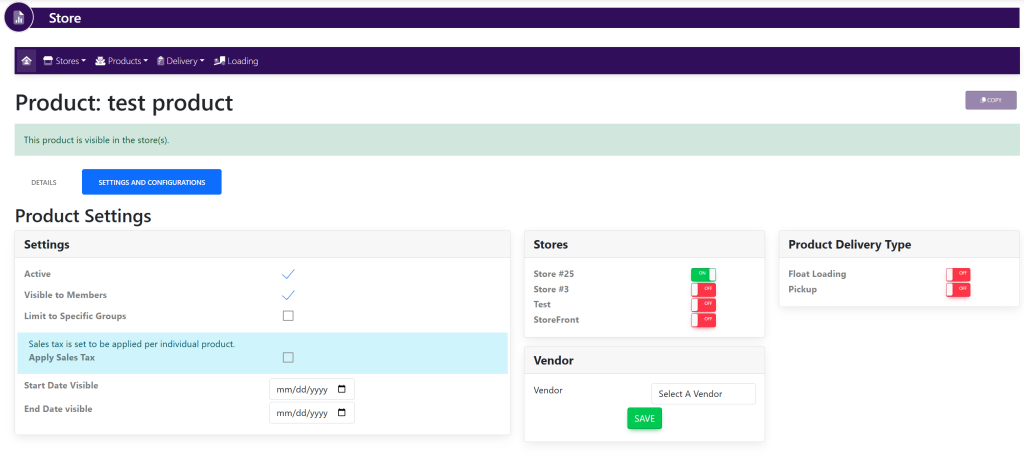
Within the Settings box, use the checkmark next to Active.
If the checkmark is selected, members’ will be able to see this product within the store.
If the checkmark is deselected, members’ will not be able to see this product within the store.
These are samples.