
Within the left side bar under MEMBER, select Messages. This will take you here:
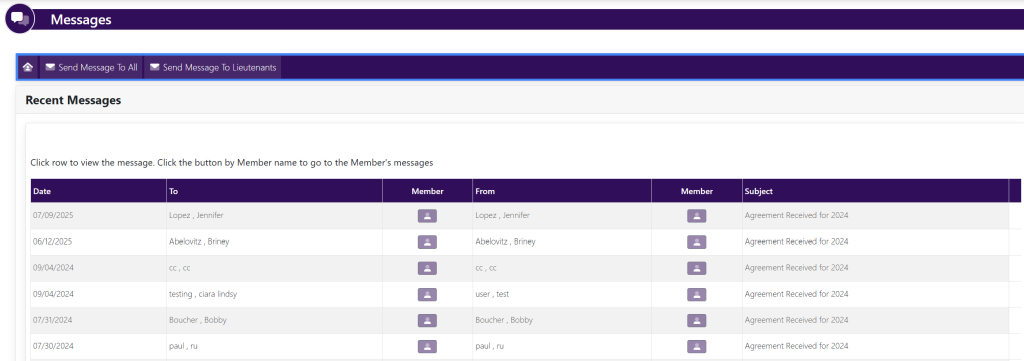
In the horizontal navigation bar, select Send Message To All Lieutenants. This will take you here:

Fill in the following required information:
- Subject
- Message
Then, select the green box titled Send Message.