
Go to the Messages module. See here:
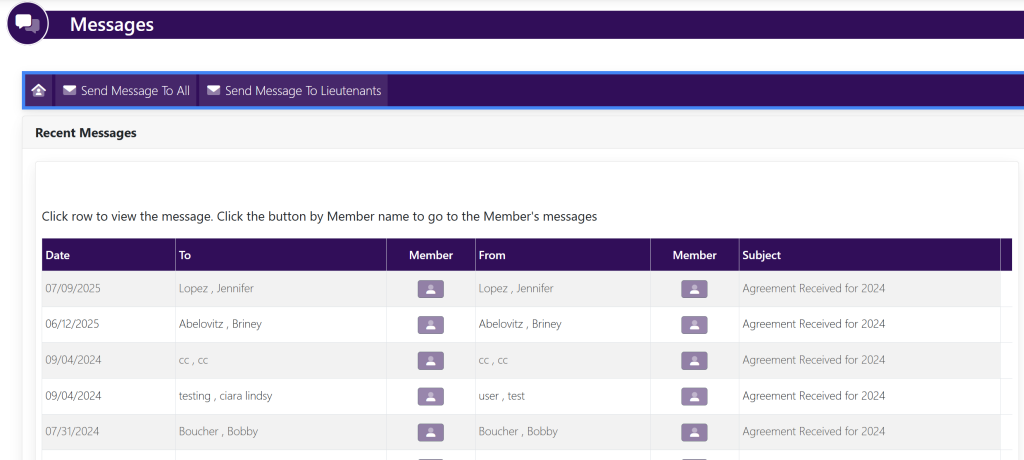
Select the message that you would like to view from this screen. A pop up will appear that looks like this:
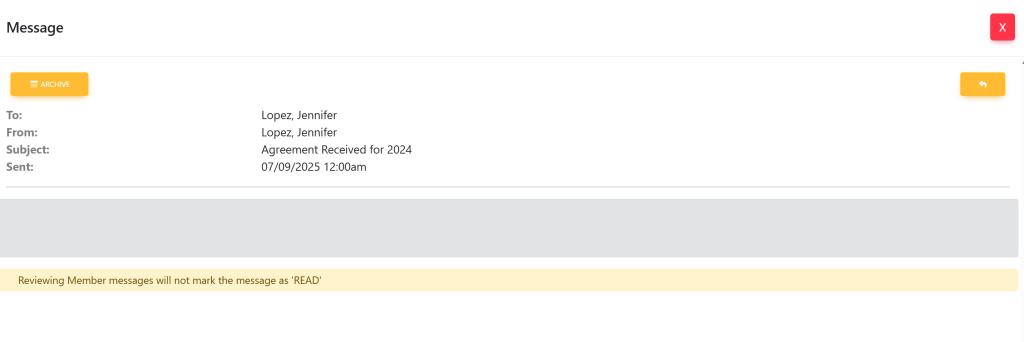
Select the yellow arrow on the top right of the pop up box. Your pop up will now look like this:
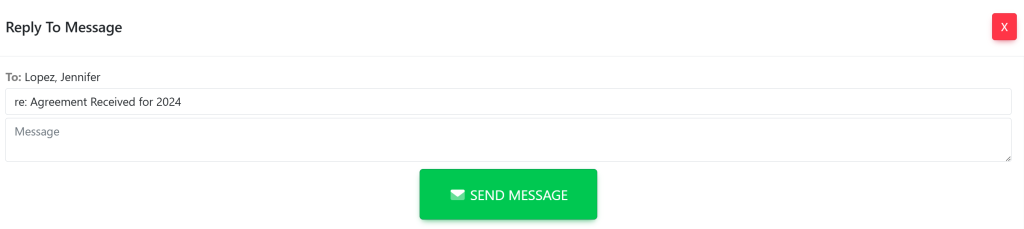
Once you have typed in your verbiage, select the green box that says SEND MESSAGE.