
Within the left side navigation bar under Events, select Parade. This will take you to this page:
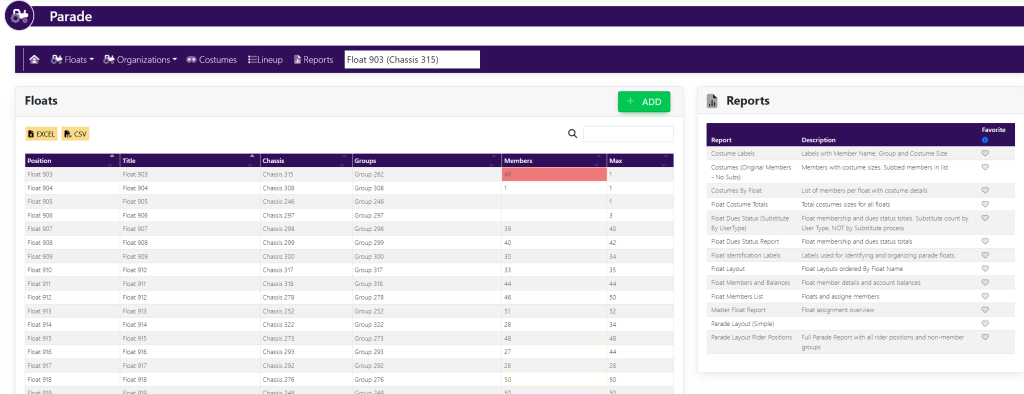
Within the Floats box, select the float you would like to edit by clicking the title. You will see a pop up that looks like this:
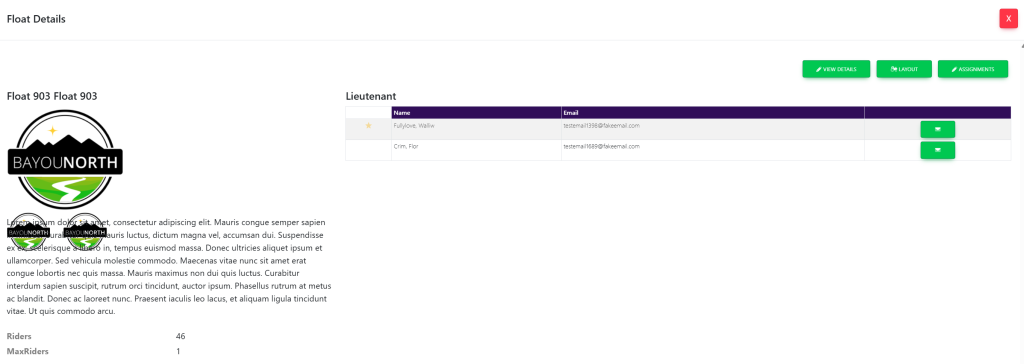
Select View Details on the top right of the pop up. This will take you to this page:
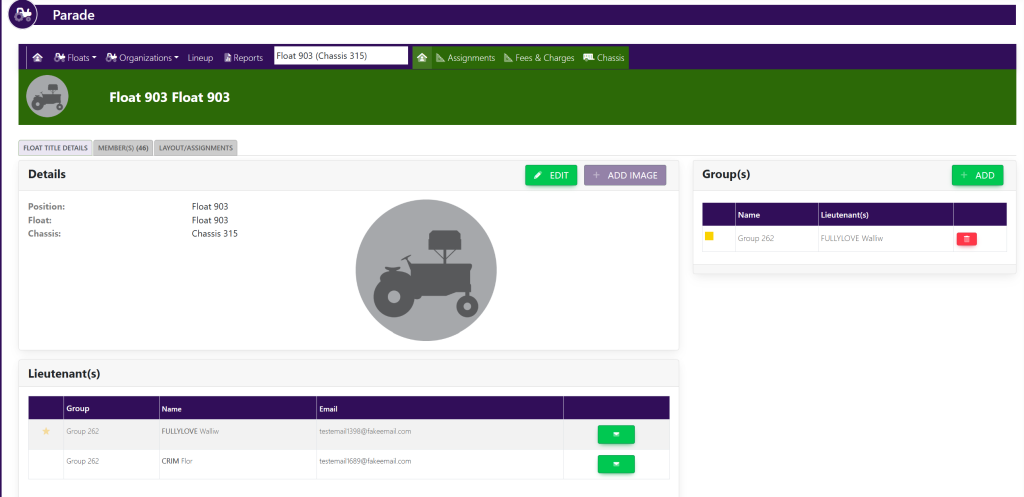
To edit the float, click the button titled Edit within the Details box. There will be a pop up box that looks like this:
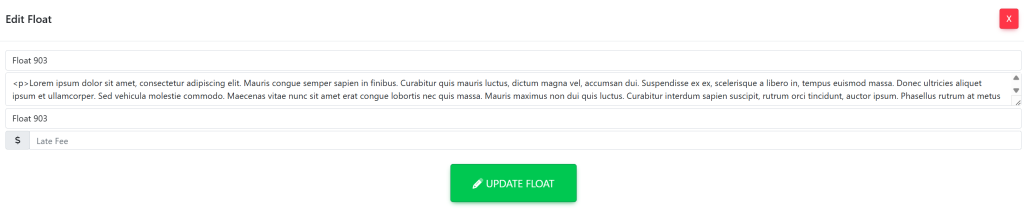
Here, you can change the float name, position, and description. Once finished, select the green button titled Update Float.
These are sample names.