
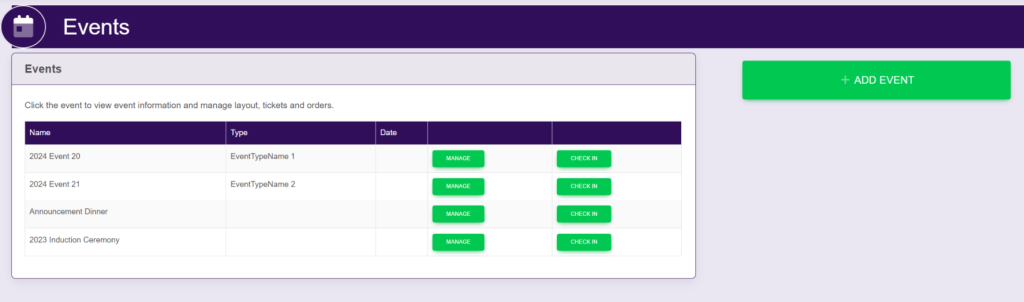
On the left hand sidebar under EVENTS, select Events. This will take you here:
Select the desired event. This will take you here:
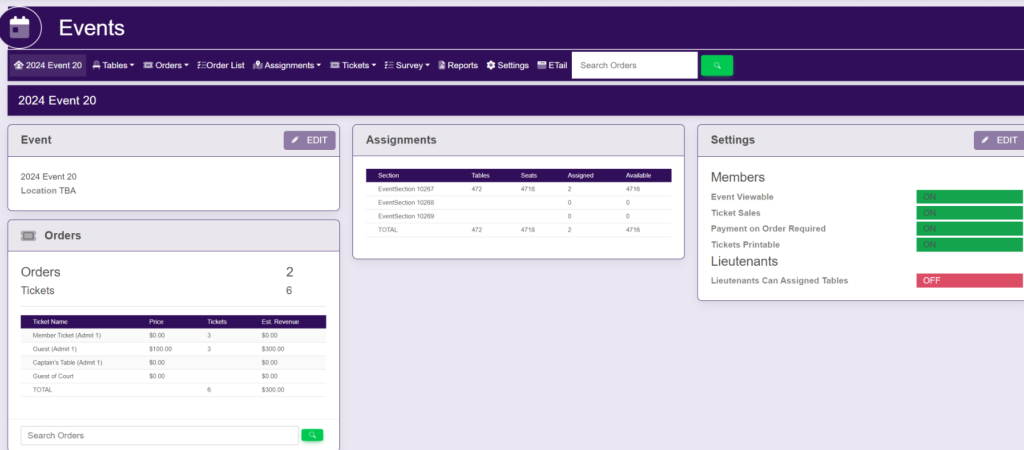
In the horizontal bar at the top of the page Order List. This will take you here:
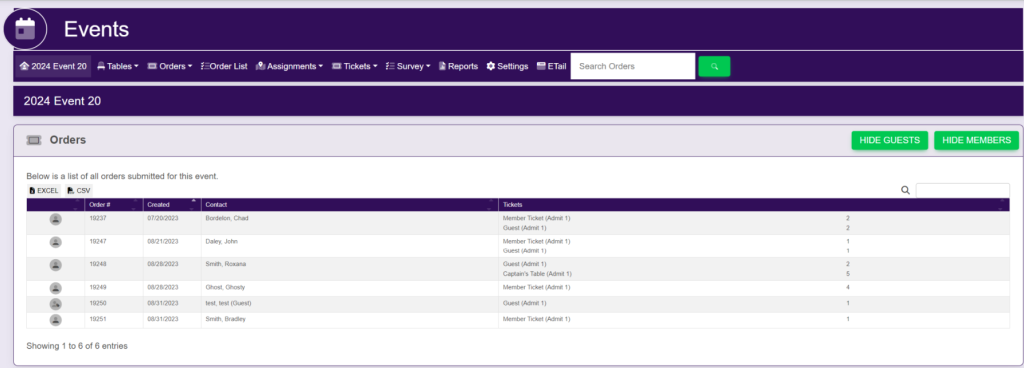
Select the order that you would like to print. A pop up will appear that looks like this:
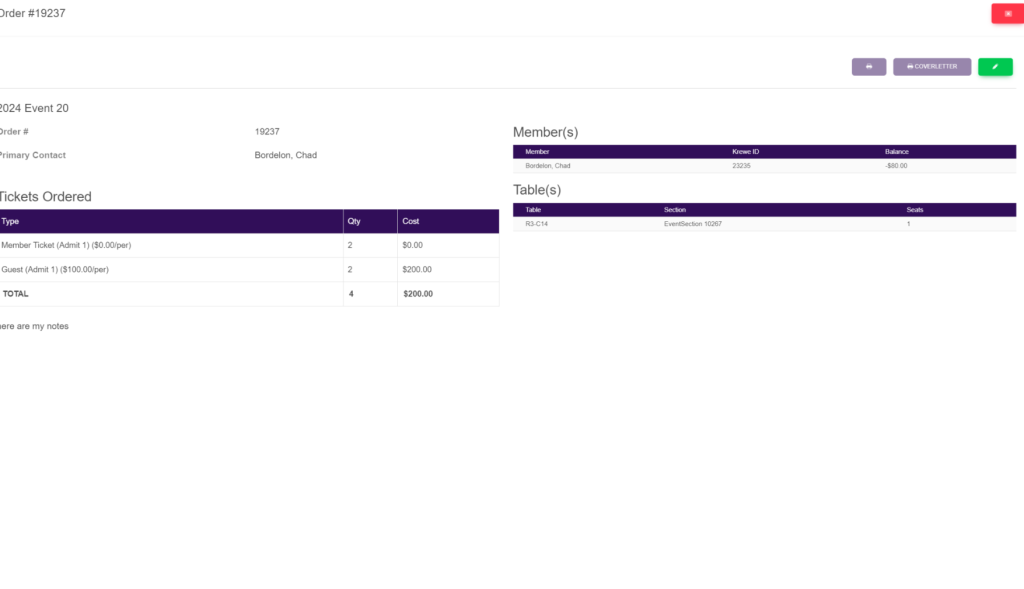
In the top right of the pop up, select the Printer icon.
You can also view the coverletter prior to printing by selecting Coverletter in the top right of the pop up. A new tab will appear that will look like this:
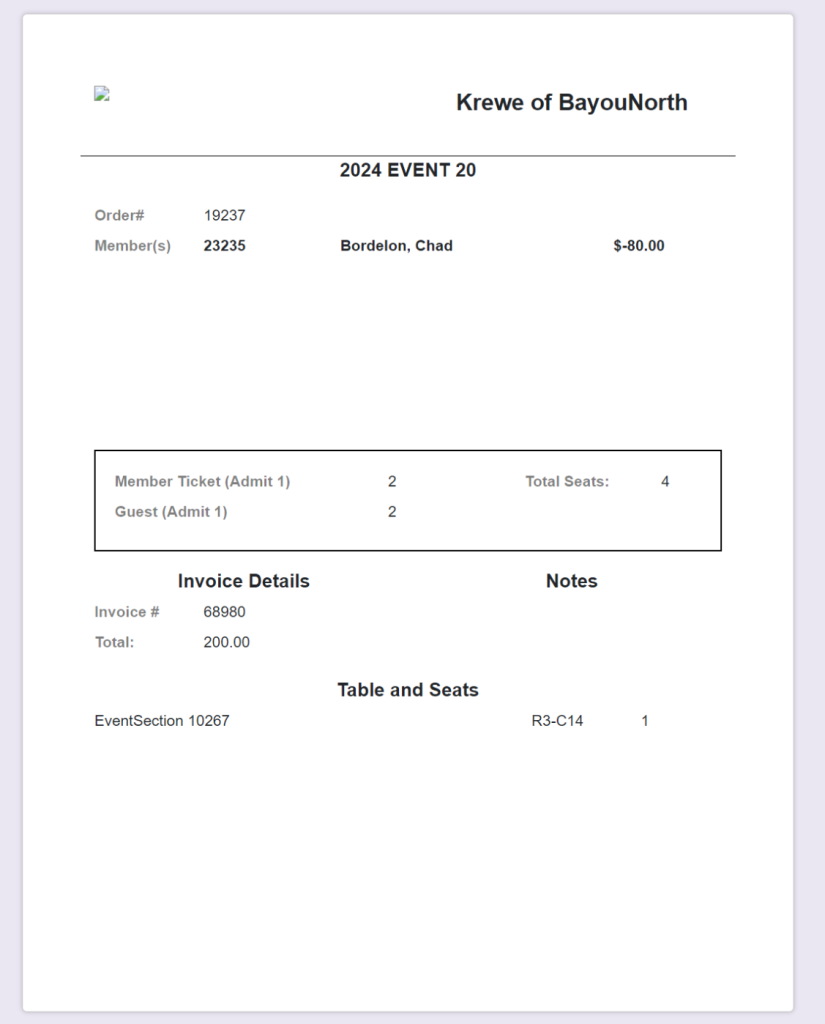
This will list the Order #, Member Name, # of Member Tickets, # of Guest Tickets, Invoice #, the total of the invoice and the Table and Seats in which they are assigned.