
Click on the Settings icon (the gear) located to the right of the search bar. This will take you here:
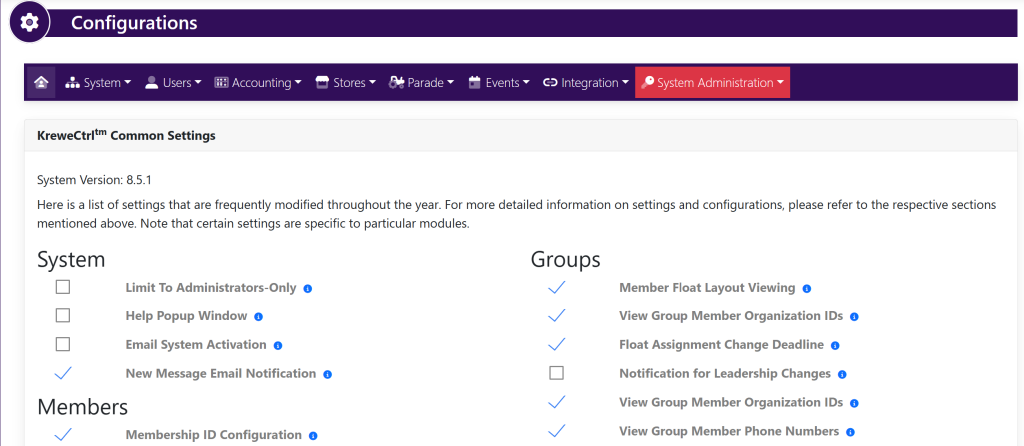
In the box titled Accounting, select Sales Tax. This will take you here:
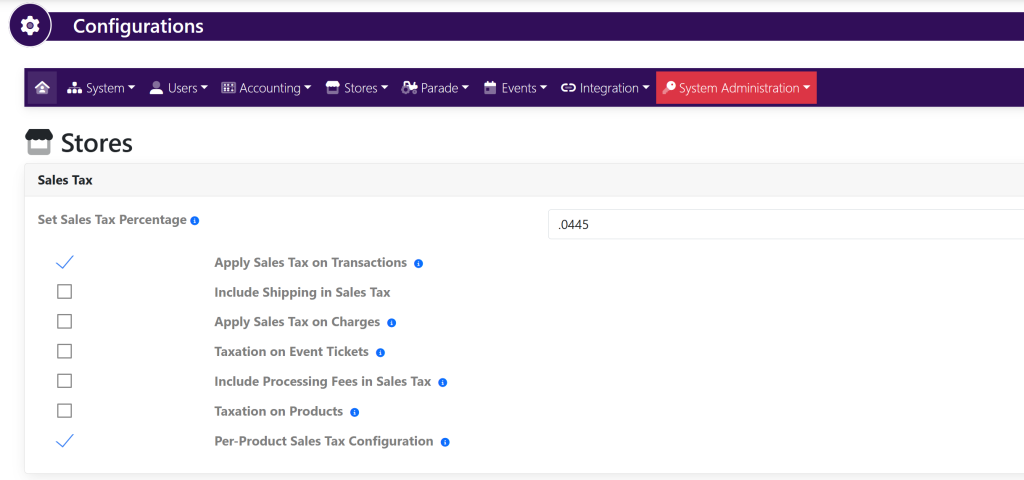
Within the Sales Tax box, select/deselect the check mark to the left of Sales Tax to turn it off or on.
You can also utilize the other settings within the box to specify where you would like to apply sales tax within the system in other areas.