On the left-hand side of the screen in the navigation bar under Member, select Messages. This will take you here:
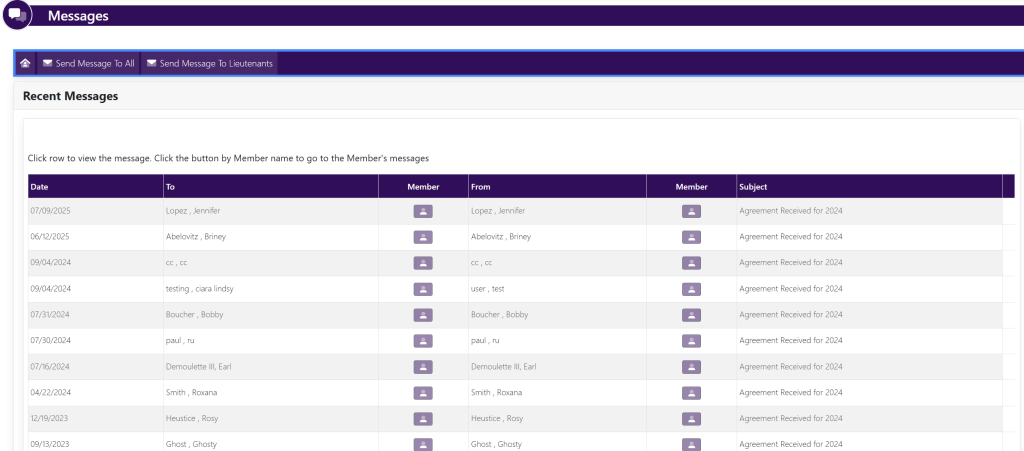
Your messages will be displayed within the box titled Recent Messages.
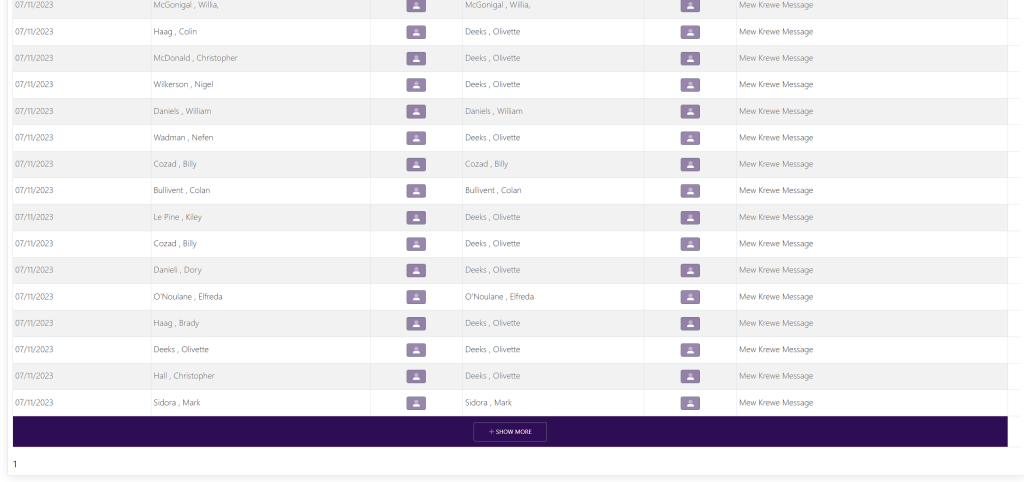
To view older messages, scroll to the bottom of the page and select Show More. It will look like this: